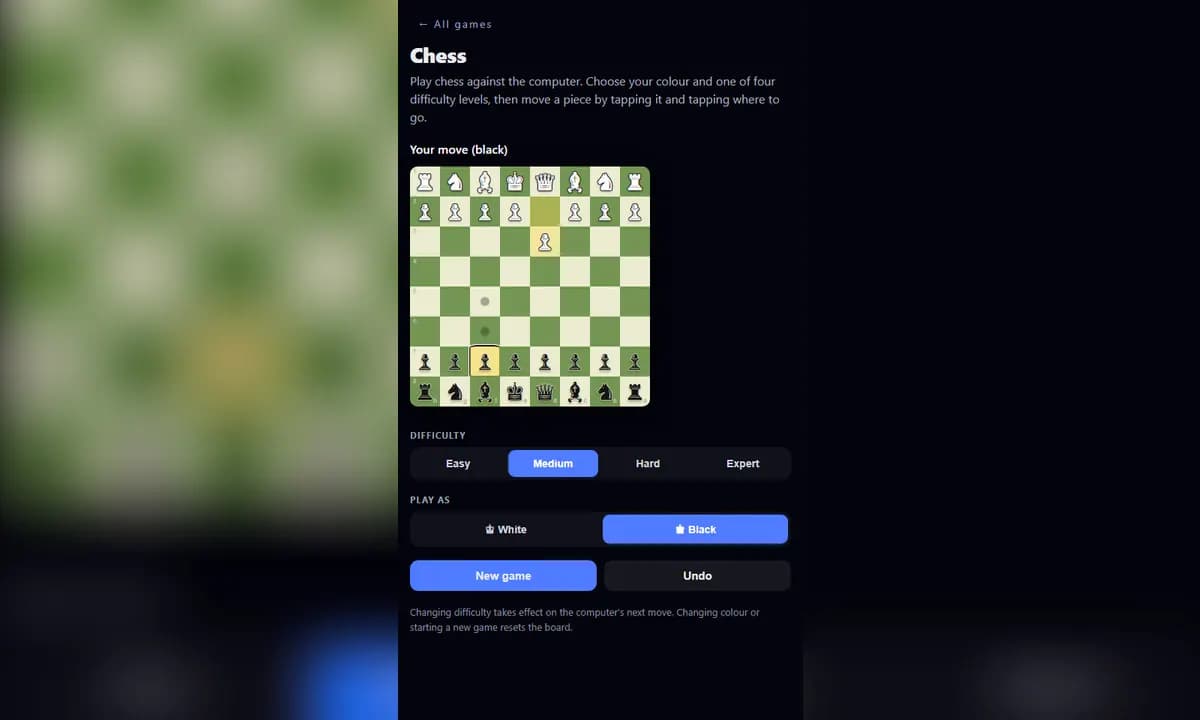
How to play Chess vs Computer
- Goal Checkmate the computer's king. Choose White or Black, then pick Easy, Medium, Hard or Expert.
- PC Click a piece, then click the square you want to move it to.
- Mobile Tap a piece, then tap the square you want to move it to.
- Tip Use Undo to take back a move. Changing difficulty takes effect on the computer's next move, while changing colour or starting a new game resets the board.
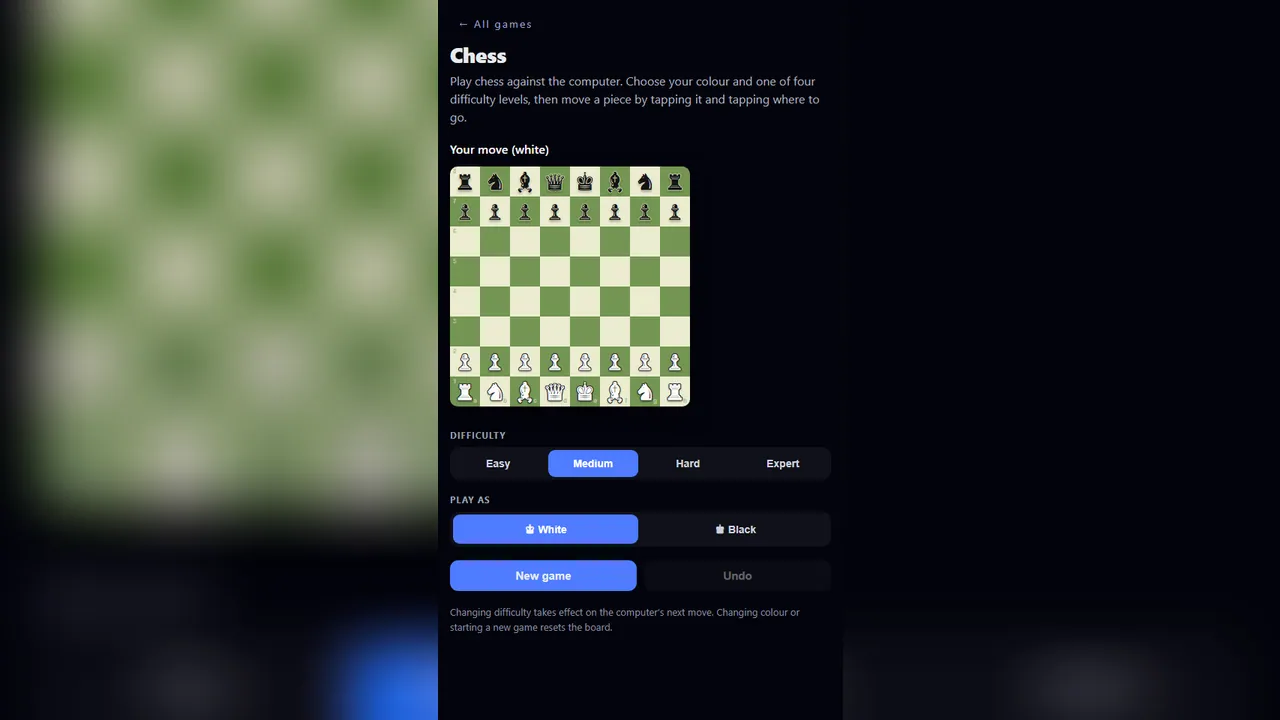
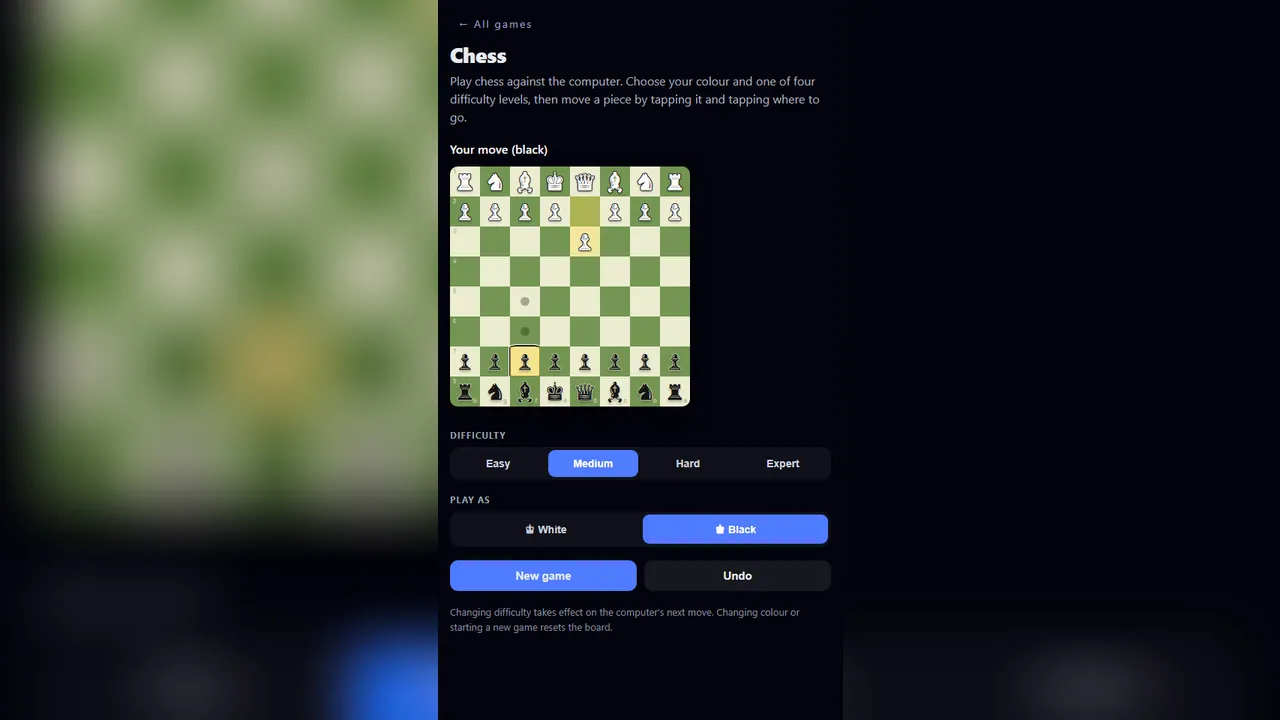
Chess vs Computer screenshots
Chess vs Computer features
- Four difficulty levels Easy, Medium, Hard and Expert, from a gentle practice partner to a sharp opponent.
- Complete chess rules Castling, en passant, pawn promotion, check and checkmate all work as in a real game.
- Choose your colour Play as White or Black against the computer.
- Undo and new game Take back a move or reset the board whenever you want.
More games like Chess vs Computer
- Checkers Clash Checkers Clash puts a lacquered 3D board in front of you and lets you choose the rules: English 8x8, International 10x10 or Russian 8x8. Face a bot on three levels or hand the screen to a friend, with undo, hints and an optional turn clock.
- Cờ Gánh Play Cờ Gánh free, the traditional Vietnamese "carry chess" from Quảng Nam, on a 5×5 board carved into a stone slab under a village banyan tree. Step your 8 discs along the lines, land between two enemy pieces to carry (gánh) them over to your colour, trap pieces that can no longer move (vây), and watch out for the forced "mở" opening. Turn all 16 discs your colour to win. Learn in a 2-minute interactive tutorial, play a bot from Easy to a deep-searching Hard, pass-and-play on one device, or online rooms with a turn timer, spectators, emotes, chat and rematches. Mouse or touch, no download.
- Bao Bounce Bao Bounce is a 3D vertical jumping game where Bao the steamed bun bounces by himself up floating bamboo steamers. Drag to steer him onto the next pad and climb as high as you can in two and a half minutes.
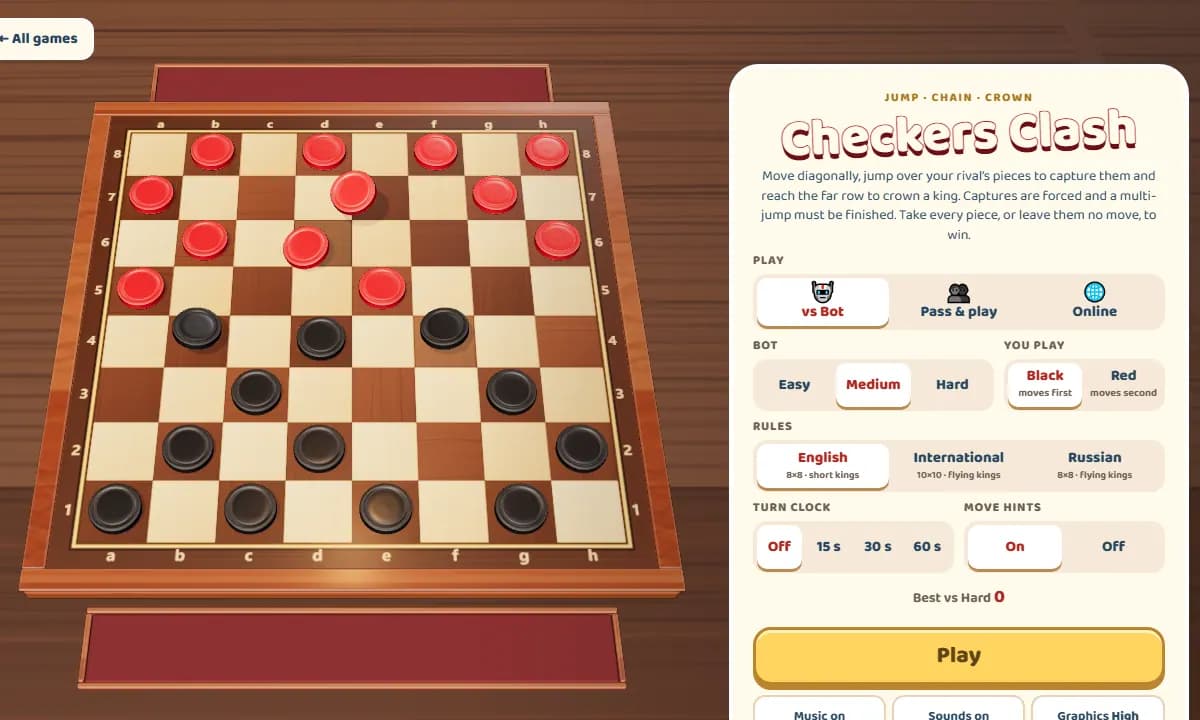 Checkers ClashJump, chain your captures and crown a king on a polished 3D board, with three rule sets to pick from.
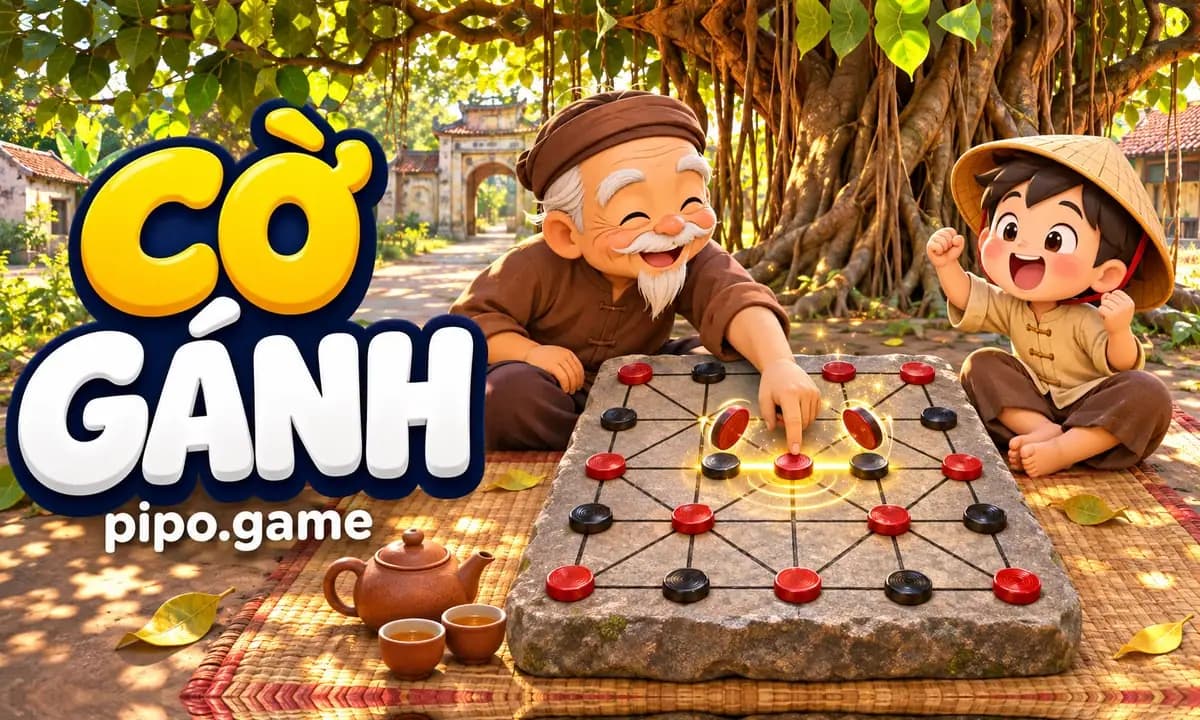 Cờ GánhPlay Cờ Gánh
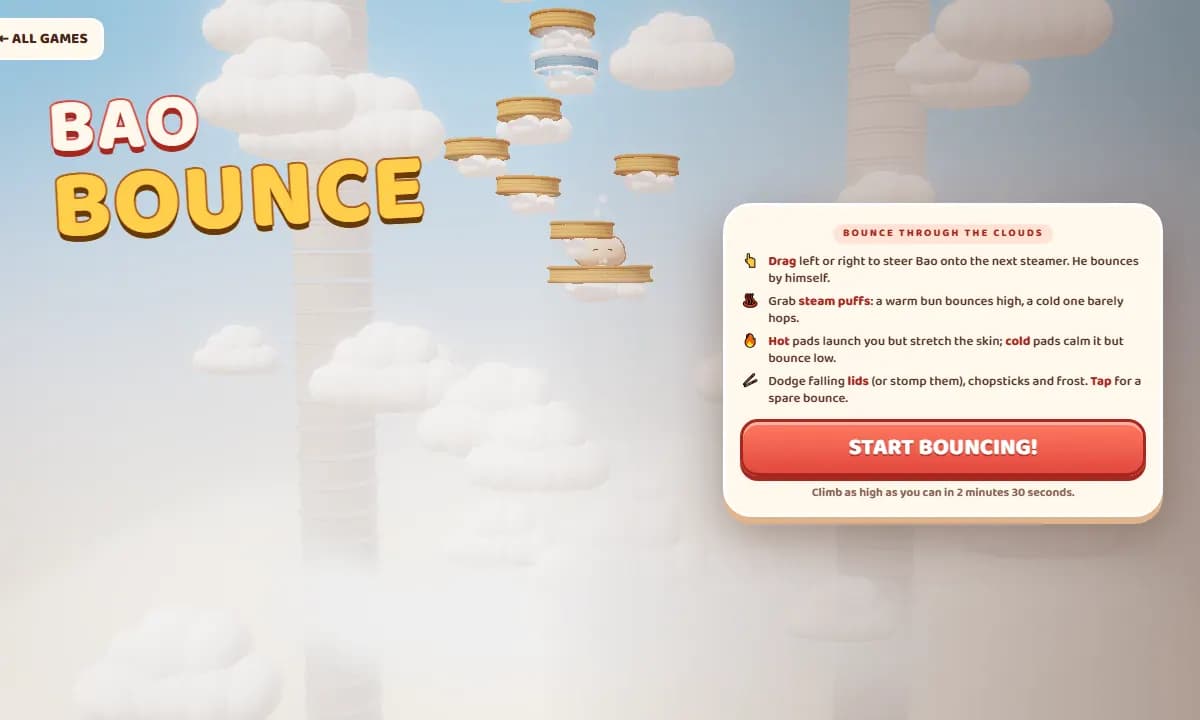 Bao BounceSteer a bouncing steamed bun up floating steamer baskets through the clouds.
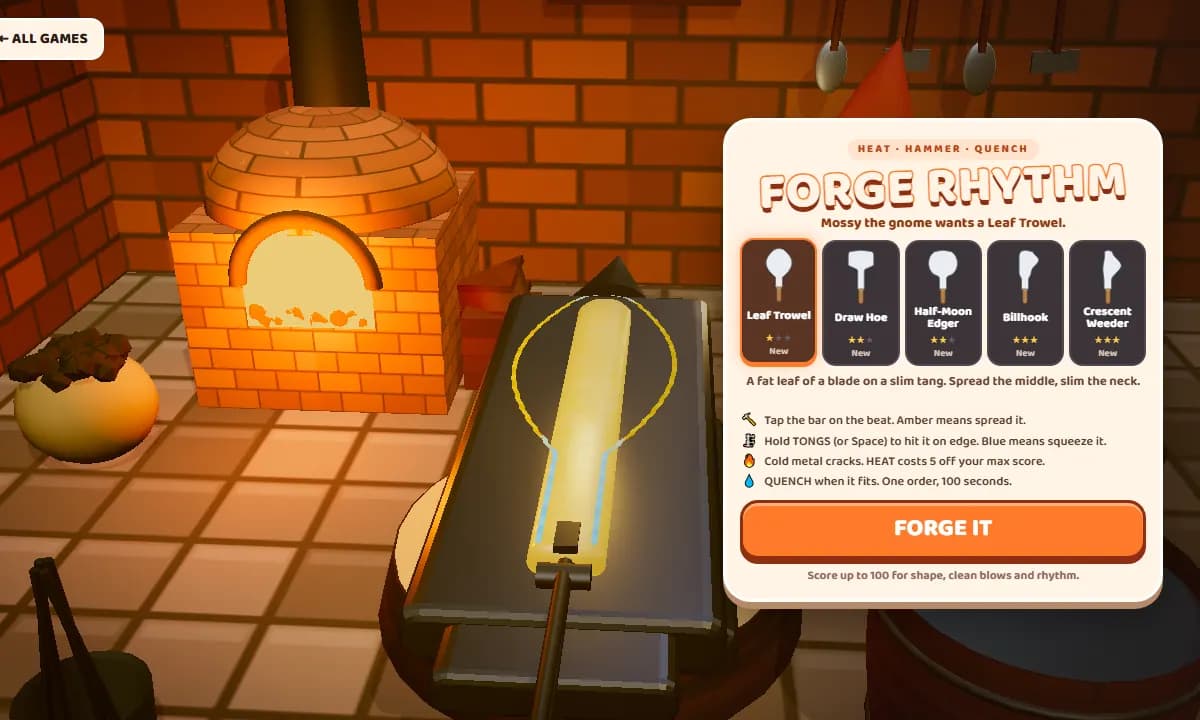 Forge RhythmTap on the beat to hammer a glowing bar into a garden tool, reheat in time and quench it for a score.
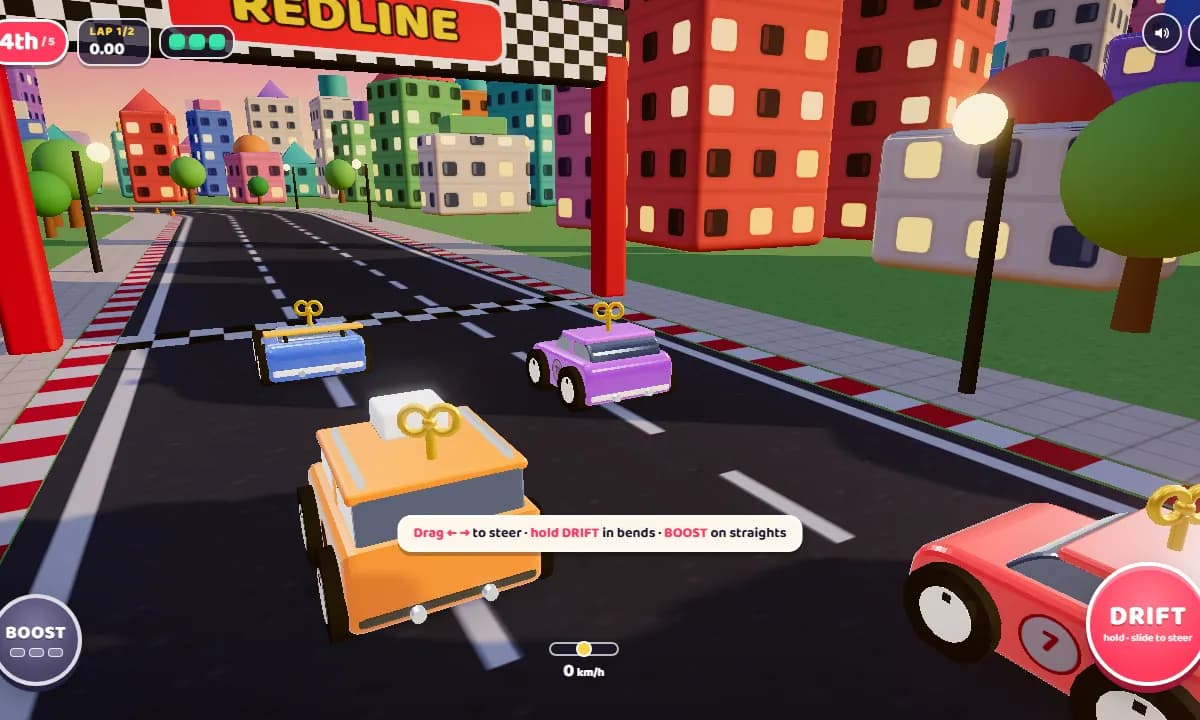 Redline OutlawRace a wind-up toy car round a toy city at sunset: drift, boost and beat four rival bots.
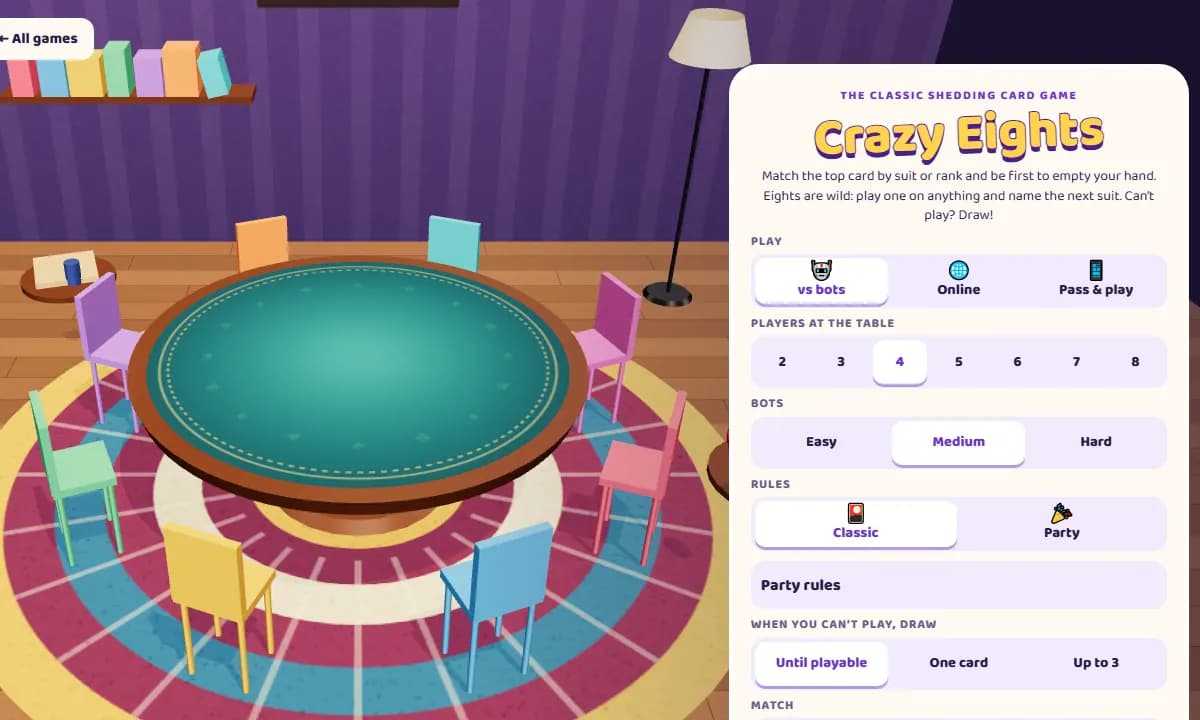 Crazy EightsMatch suit or rank, play wild eights and be first to empty your hand at a 3D table.
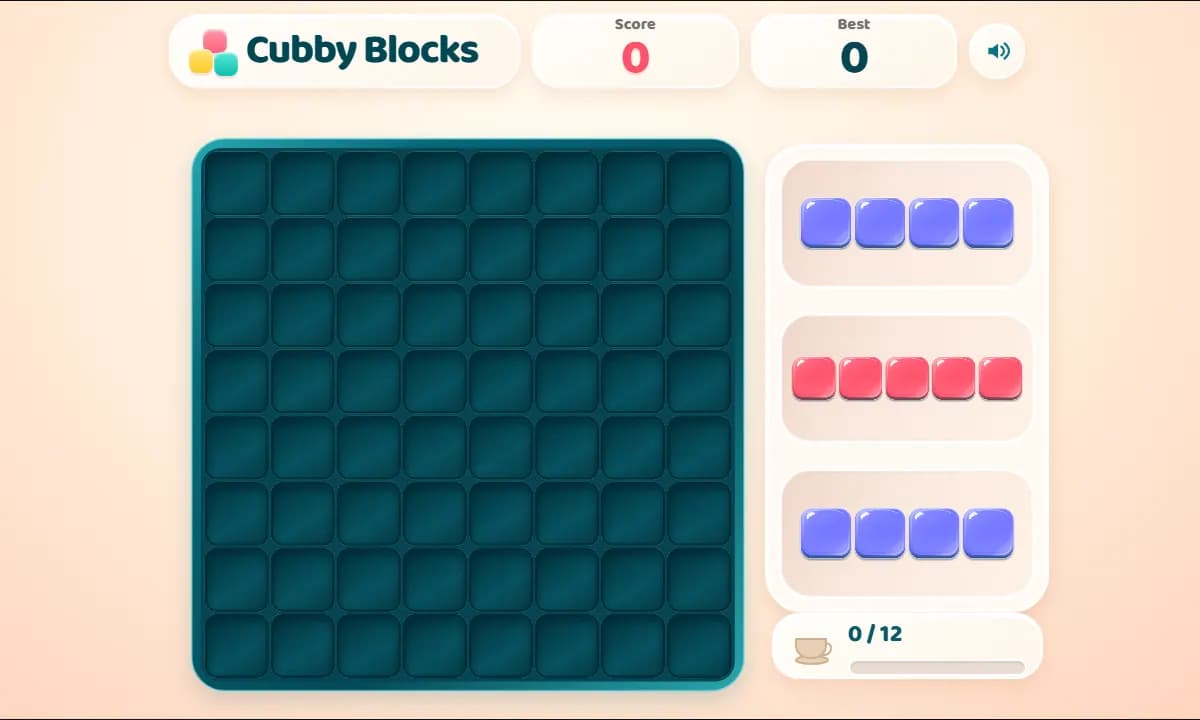 Cubby BlocksFit jelly blocks onto an 8x8 board, clear rows and columns and unlock keepsakes for your cosy room.
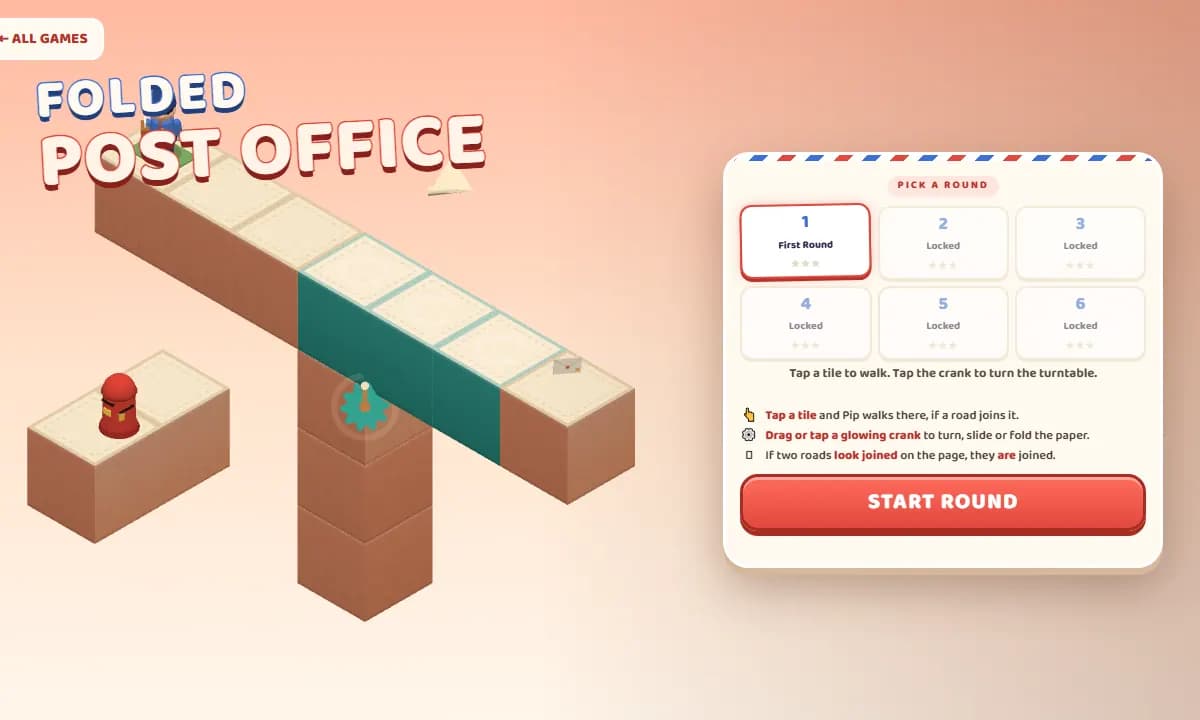 Folded Post OfficeA 3D paper-world puzzle where roads that touch on the page are joined, and Pip delivers the mail.