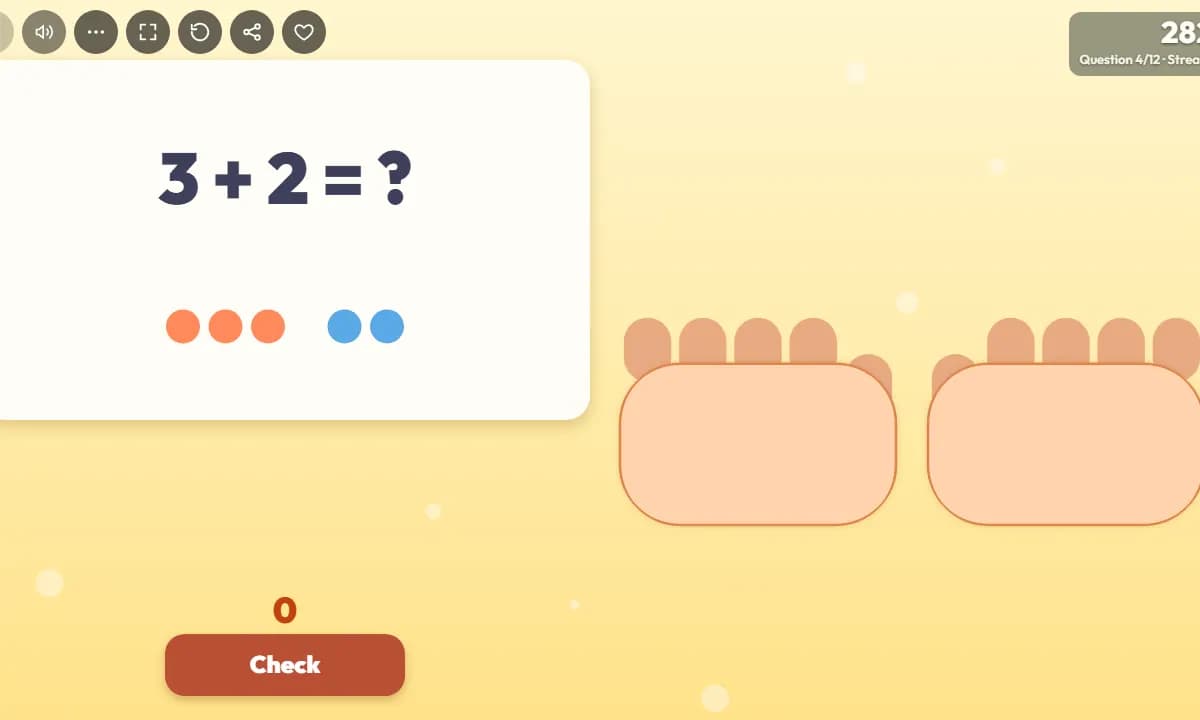
How to play Count with Fingers
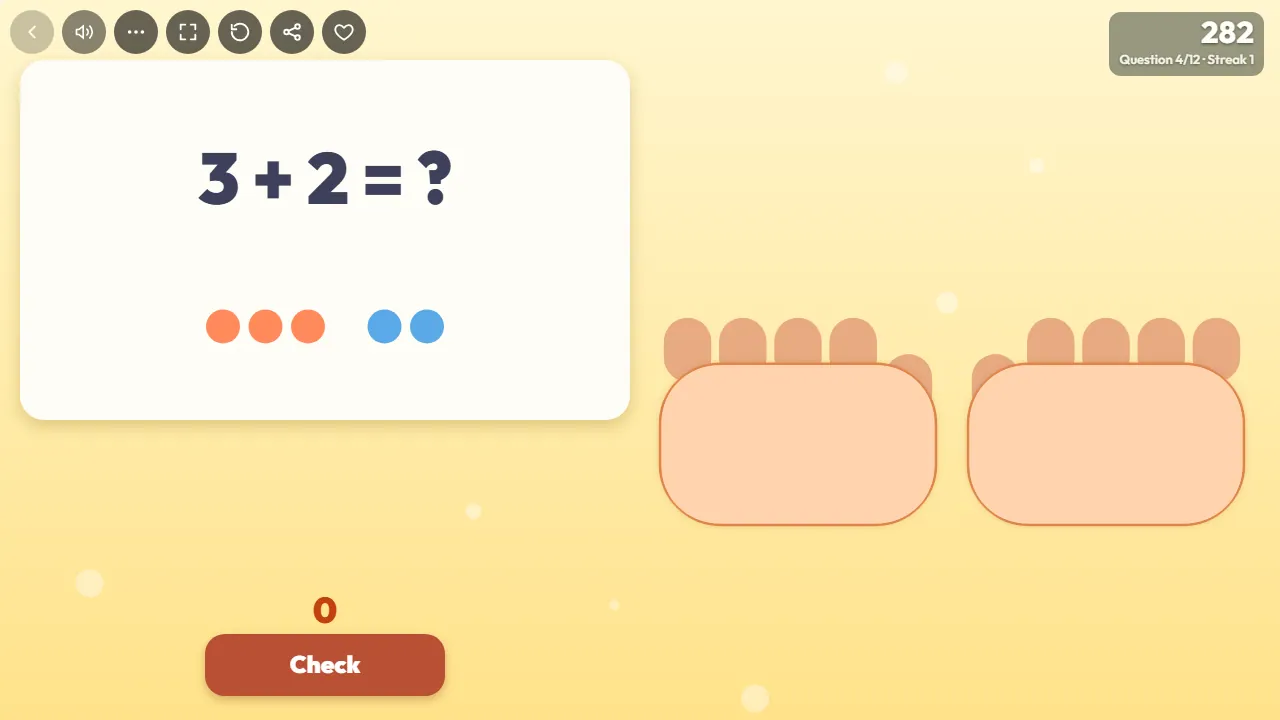
Read the sum at the top. The dots underneath can be counted if you need a hand.
Tap fingers on the two hands to raise or lower them. The big number shows how many are up. On a keyboard, press a number key instead.
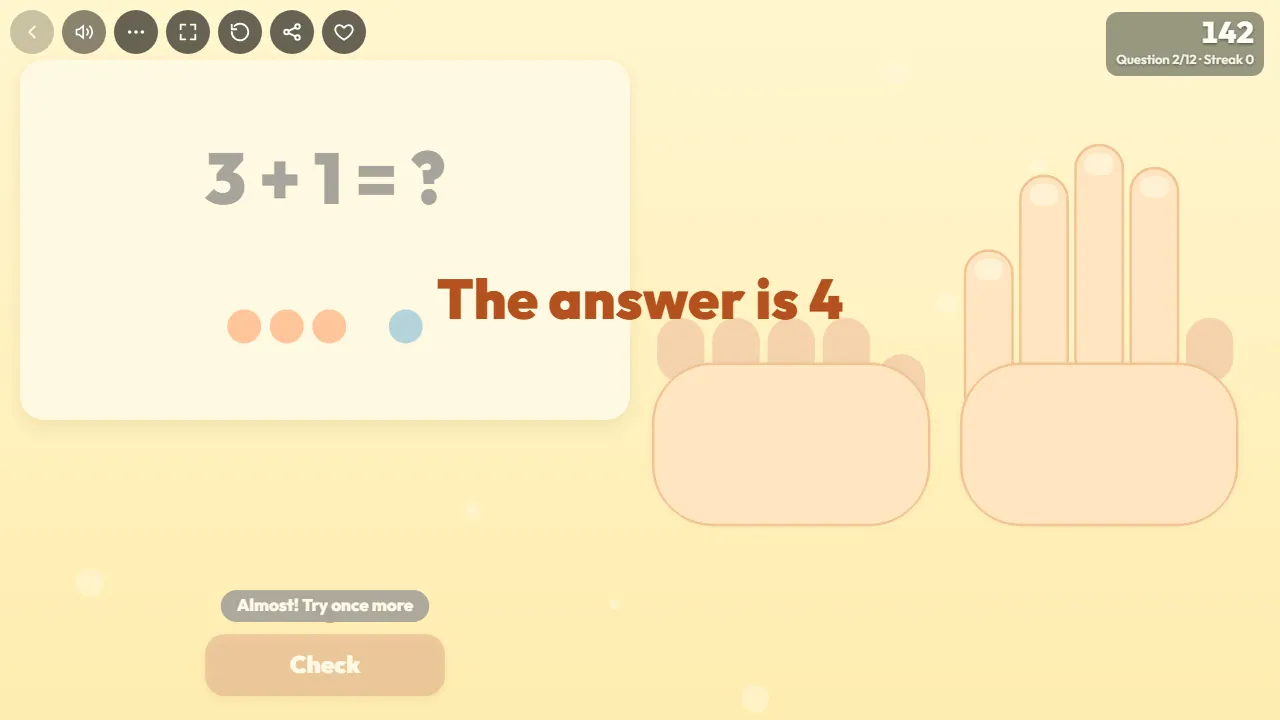
Press Check to answer. If it is not right, you get one more try before the answer is shown.
Finish all twelve questions. Quick, correct answers in a row score the most.
Count with Fingers screenshots
Count with Fingers features
- Finger counting made visible Two large hands with fingers you can tap, so the answer is something a child can see and count.
- Gentle progression It begins with sums up to five, grows to ten, then adds subtraction and 'what is missing?' questions.
- Kind to mistakes A wrong answer gets a second go, and if it is still wrong the right fingers are shown before moving on.
More games like Count with Fingers
- Magic Wheel Magic Wheel is a webcam math game for kids: spin for an adding, subtracting, multiplying or dividing question, then hold up the right number of fingers.
- Finger Math Finger Math is a maths game for kids: read the question, then hold up the right number of fingers to your webcam. Practise counting, adding, subtracting, multiplying and dividing.
- Math Brawl Math Brawl is a free webcam boss-battle maths game: every right answer is a punch tracked by your camera. Fight three bosses, duck their swings and master sums and times tables.
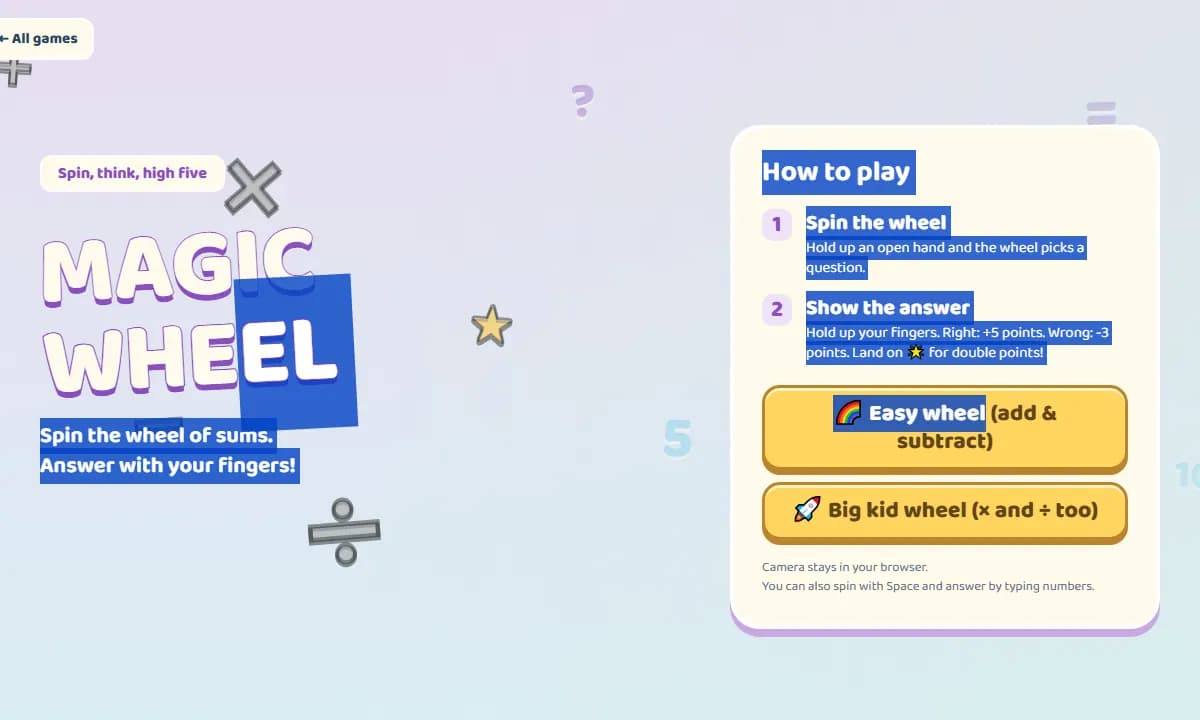 Magic WheelSpin the wheel of sums and answer with the number of fingers you show the camera.
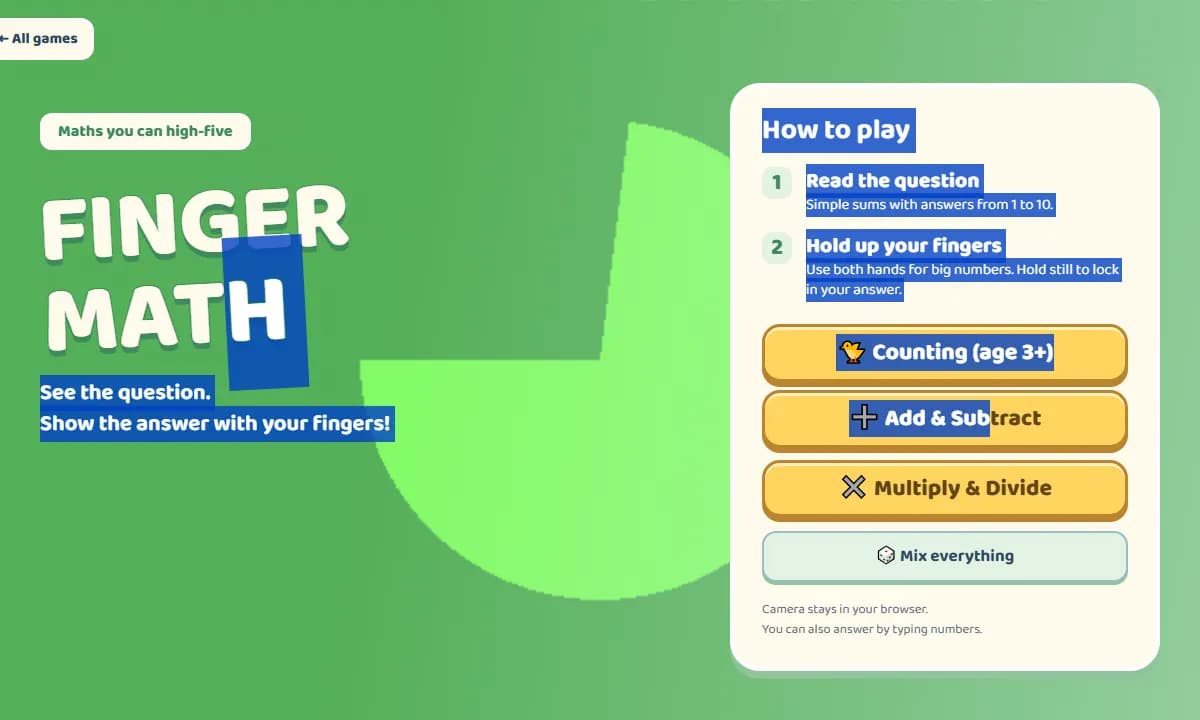 Finger MathAnswer kids' maths questions by holding up the right number of fingers to your webcam.
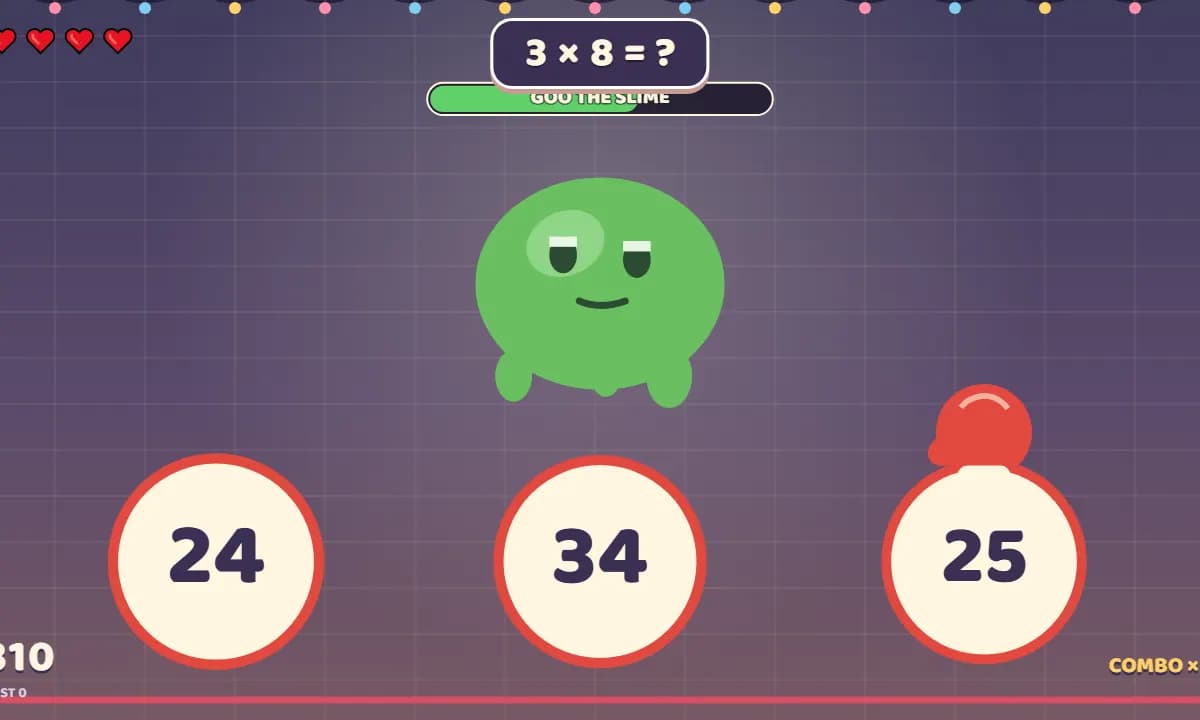 Math BrawlThrow real punches at the right answer, duck the boss swings and beat three cheeky bosses with maths.
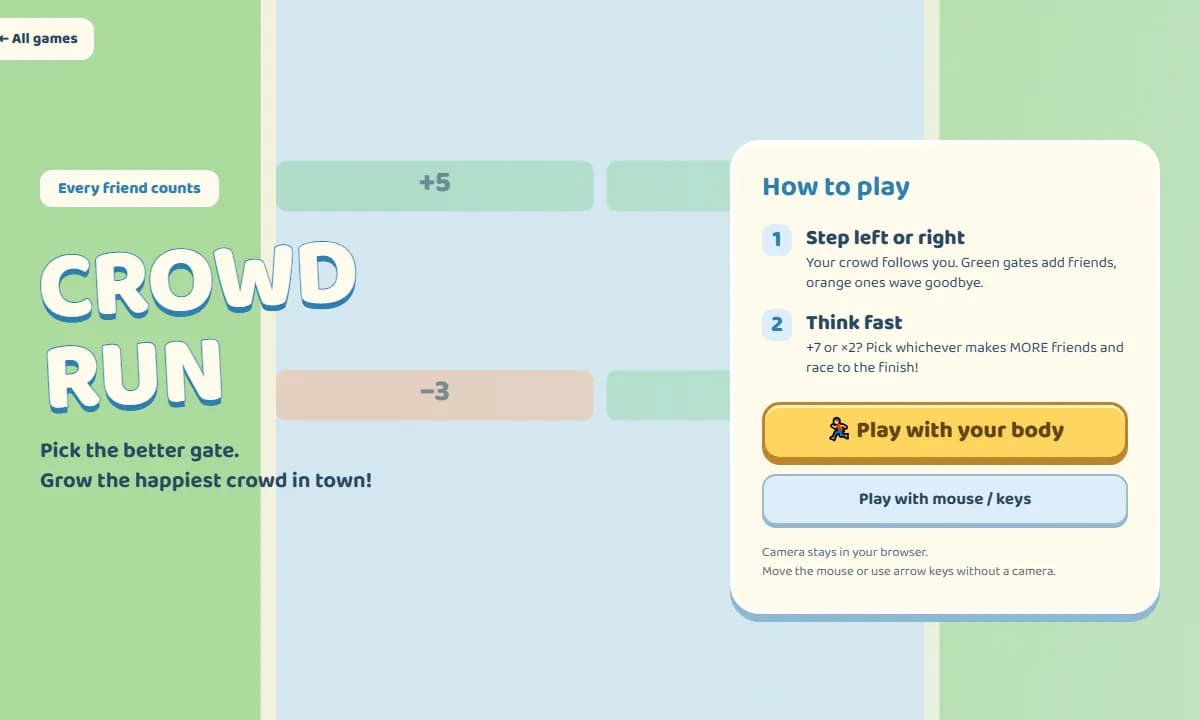 Crowd RunStep left or right to pick the math gate that grows your crowd the most, then race to the finish.
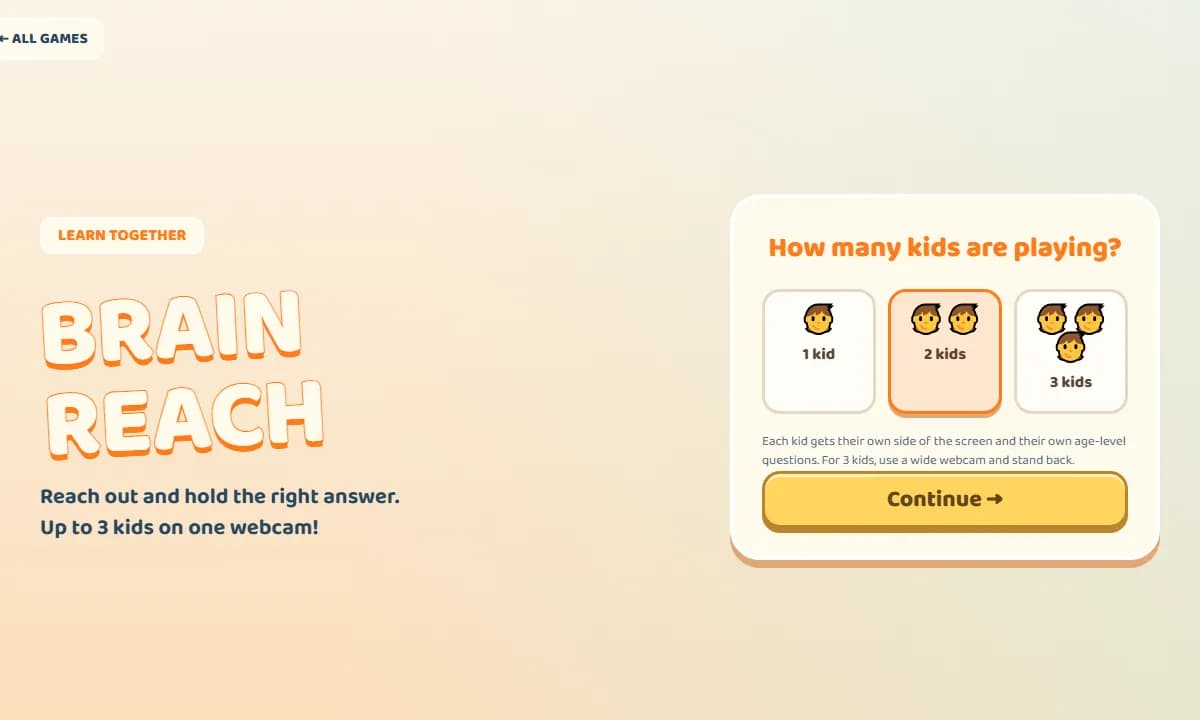 Brain ReachA hands-free quiz for up to three kids on one webcam: reach out and hold the right answer.
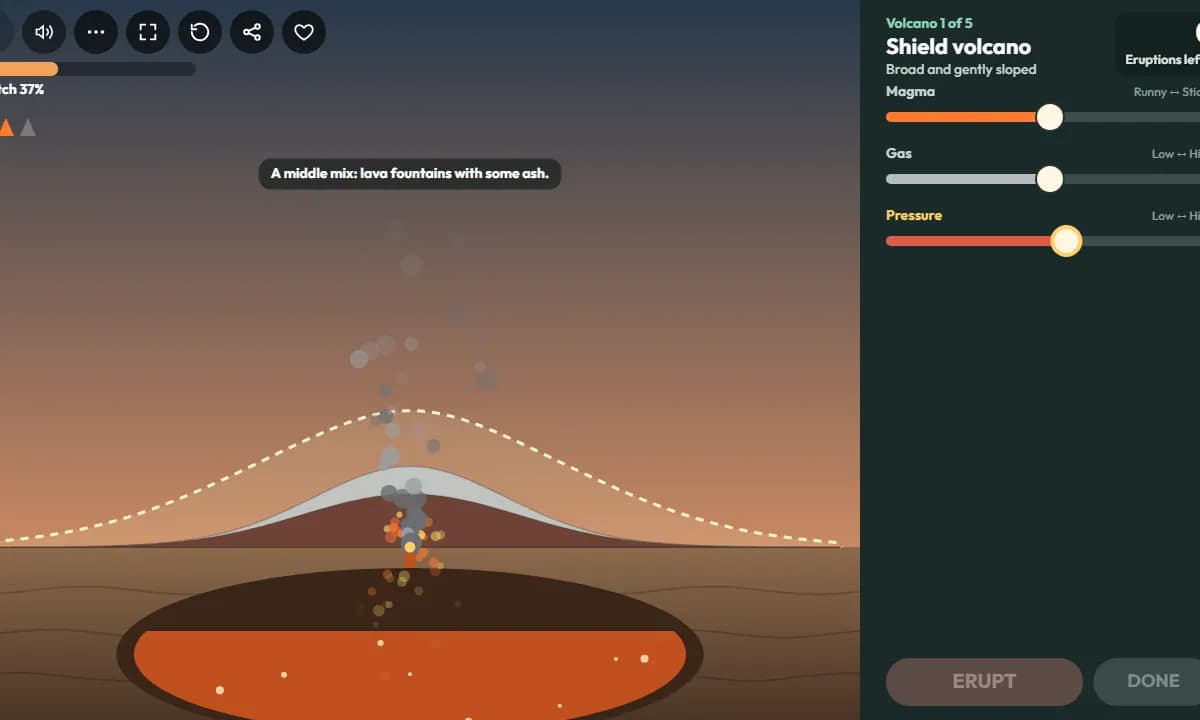 Volcano LabLearn & play
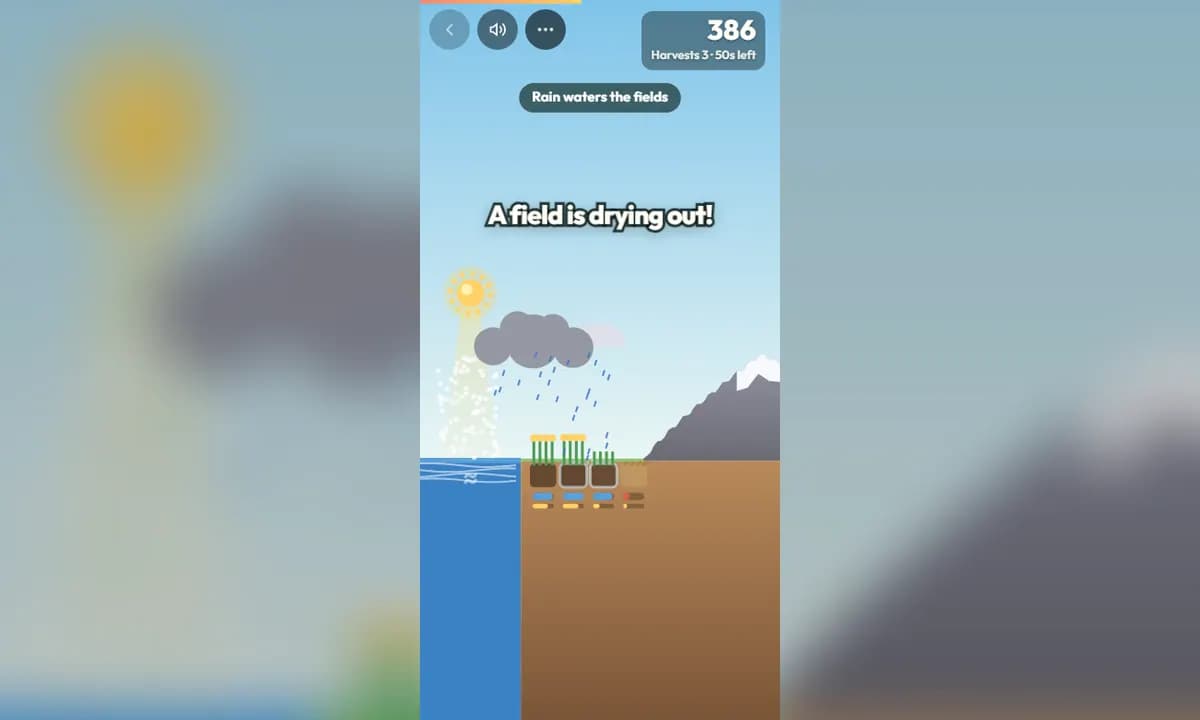 Rain MakerLearn & play
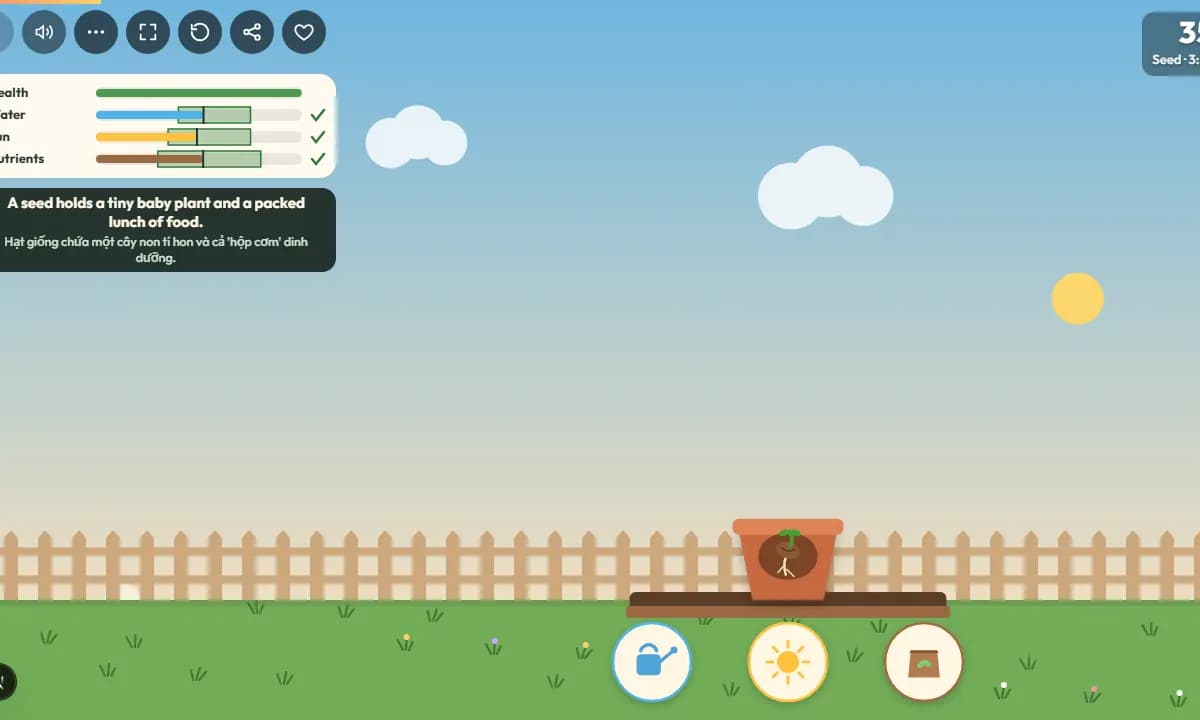 Seed to TreeBalance water, sunlight and nutrients to nurse a seed into a fruit tree, with a plant fact at every stage.