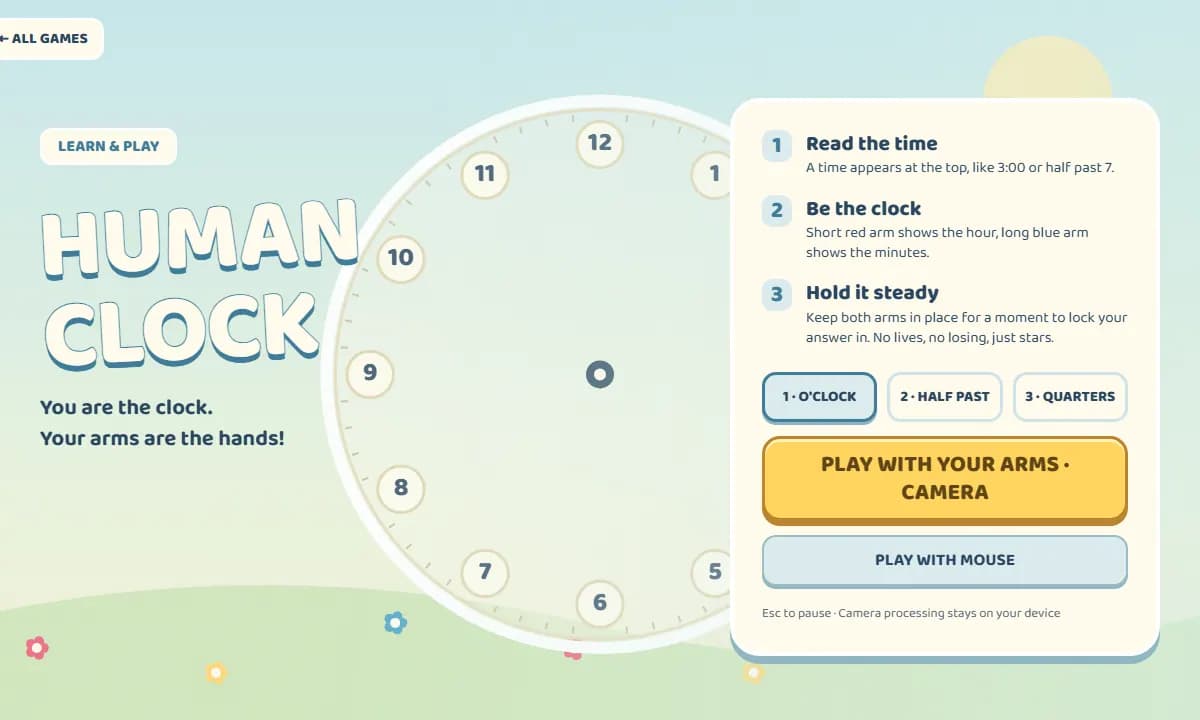
How to play Human Clock
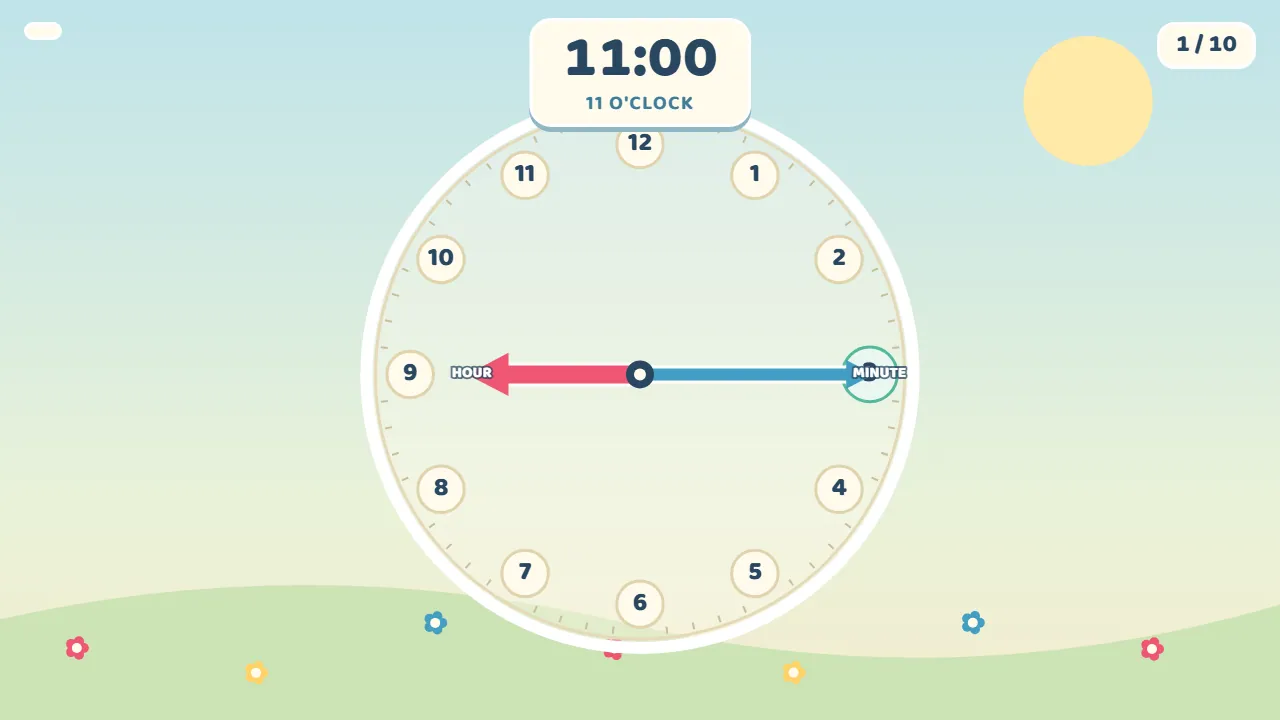
- Goal Show the time on screen with your arms: short red arm for the hour, long blue arm for the minutes. Hold it steady to lock in your answer.
- PC Allow the camera, stand back until both arms show, then stretch them out like a big T to start. Follow the arrows, show both arms, and press Esc to pause.
- Mobile The camera version is made for a computer with a webcam. On a phone or without a camera, choose Play with mouse.
- Tip Read the time first, then place the short arm on the hour before the long arm. Keep your arms still for a moment so the game can confirm your answer.
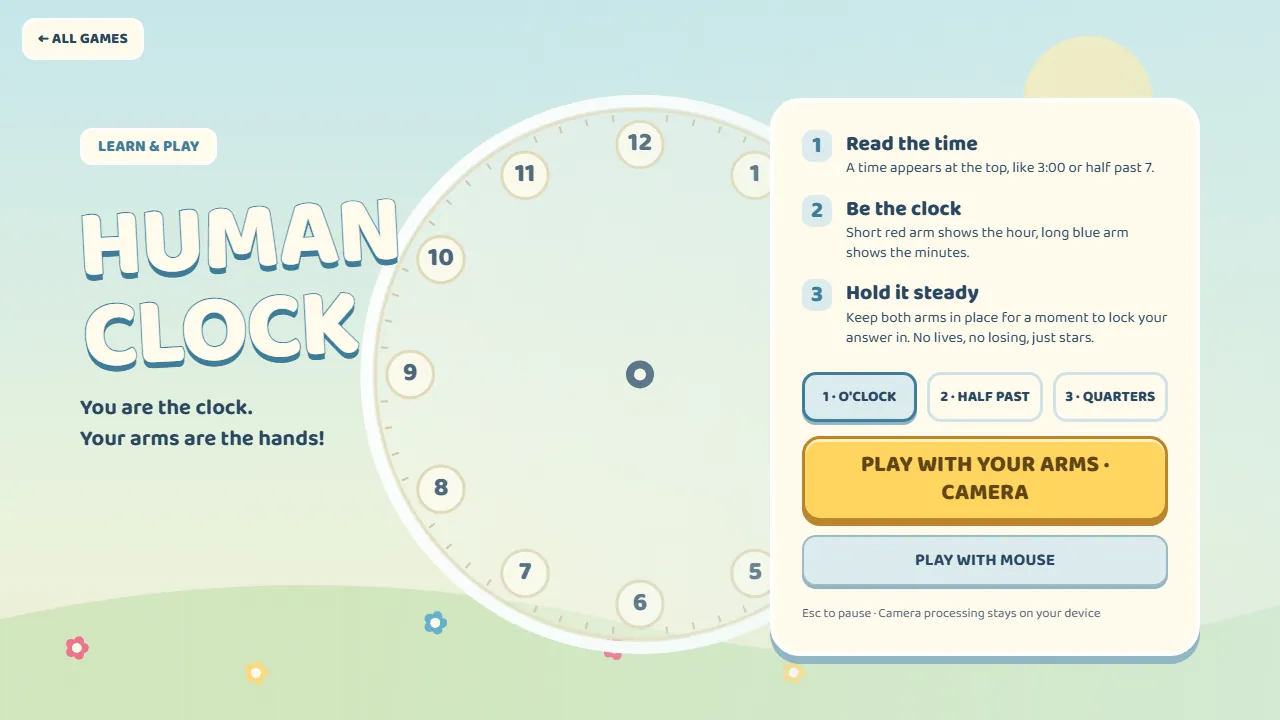
Human Clock screenshots
Human Clock features
- Be the clock Your two arms act as the hour and minute hands, so telling time becomes a whole-body activity.
- Three levels Practise o'clock, half past and quarter times, with 10 questions in each level.
- Stars, no losing There are no lives to lose, only stars to earn, a best score to beat and a daily practice streak.
- Privacy-friendly camera Camera processing stays on your device, and a mouse mode is there if you prefer it.
More games like Human Clock
- Head Shoulders Knees & Toes Head Shoulders Knees & Toes is a webcam game of the classic kids song. Touch your head, shoulders, knees and toes with both hands as each word lands. Verses get faster, and the camera stays in your browser.
- Head Dodge Head Dodge is a silly dodging game for kids. A coloured ring shows where each throw will land, and you have a moment to move your head out of the way by leaning left, leaning right or ducking. You get three hearts and sixteen throws, in a slow Chill mode or a Speedy mode. Head tracking runs in your browser, and a mouse works too.
- Magic Wheel Magic Wheel is a webcam math game for kids: spin for an adding, subtracting, multiplying or dividing question, then hold up the right number of fingers.
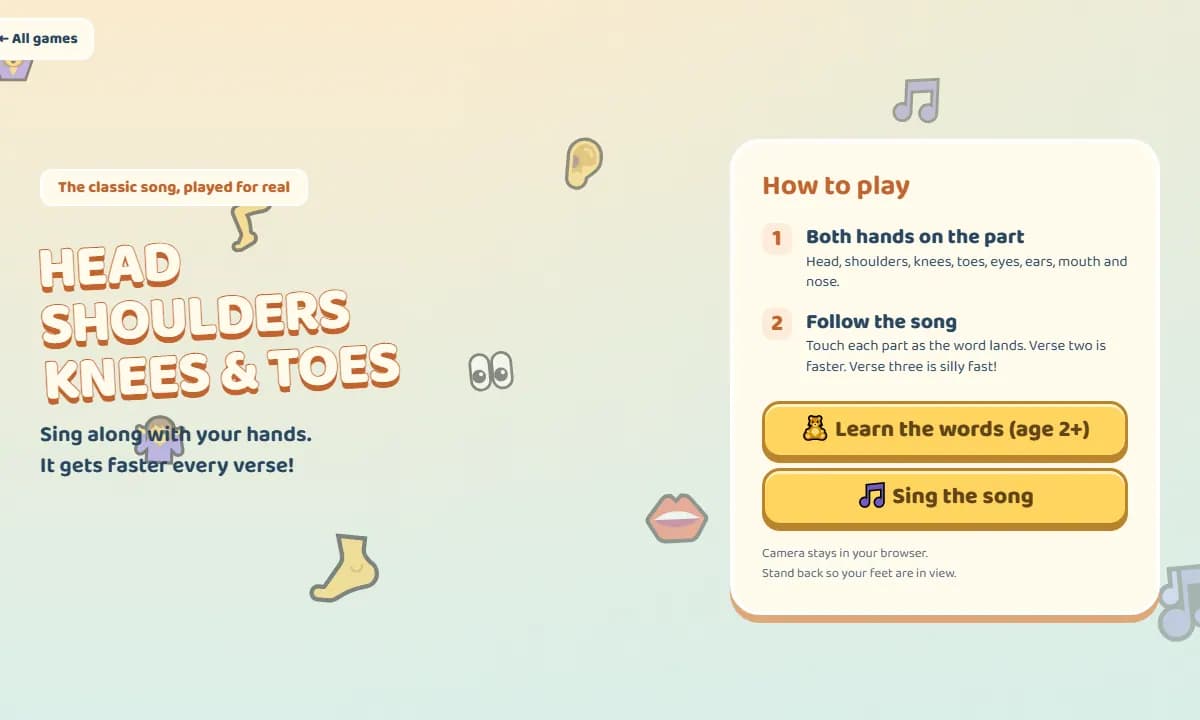 Head Shoulders Knees & ToesThe classic action song, played for real: touch each body part as the word lands, and it gets faster every verse.
 Head DodgeWatch the ring, then lean or duck so the ball, pie or tomato flies past your head.
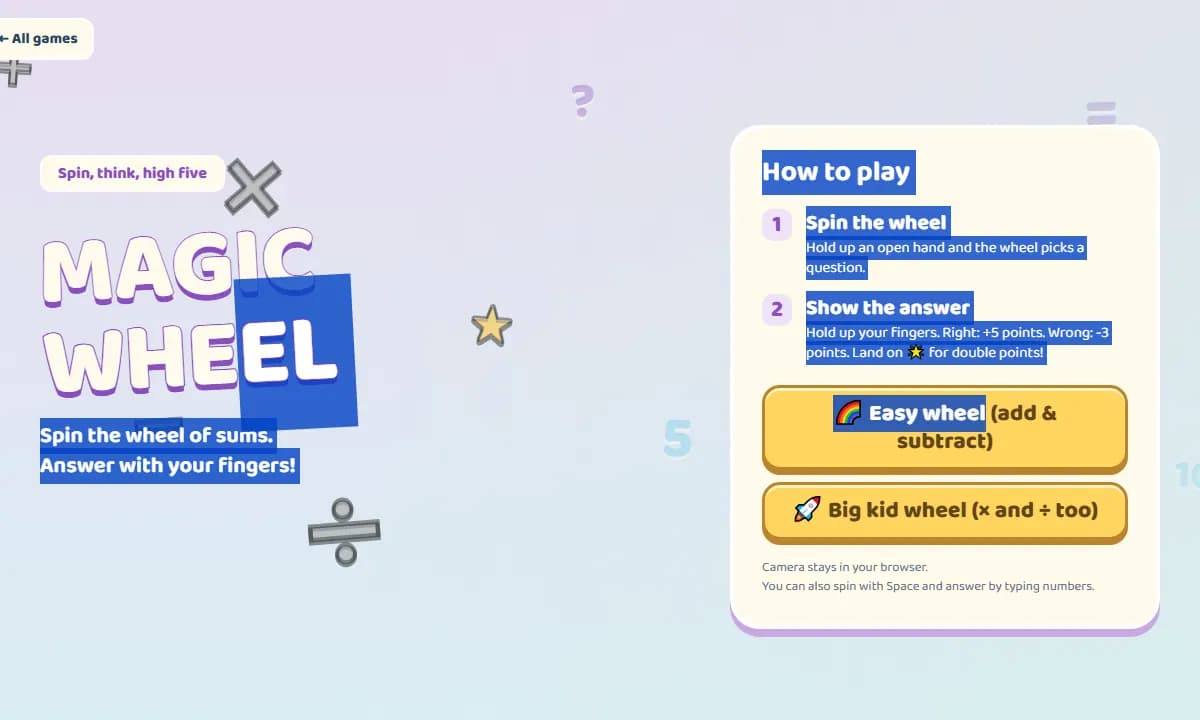 Magic WheelSpin the wheel of sums and answer with the number of fingers you show the camera.
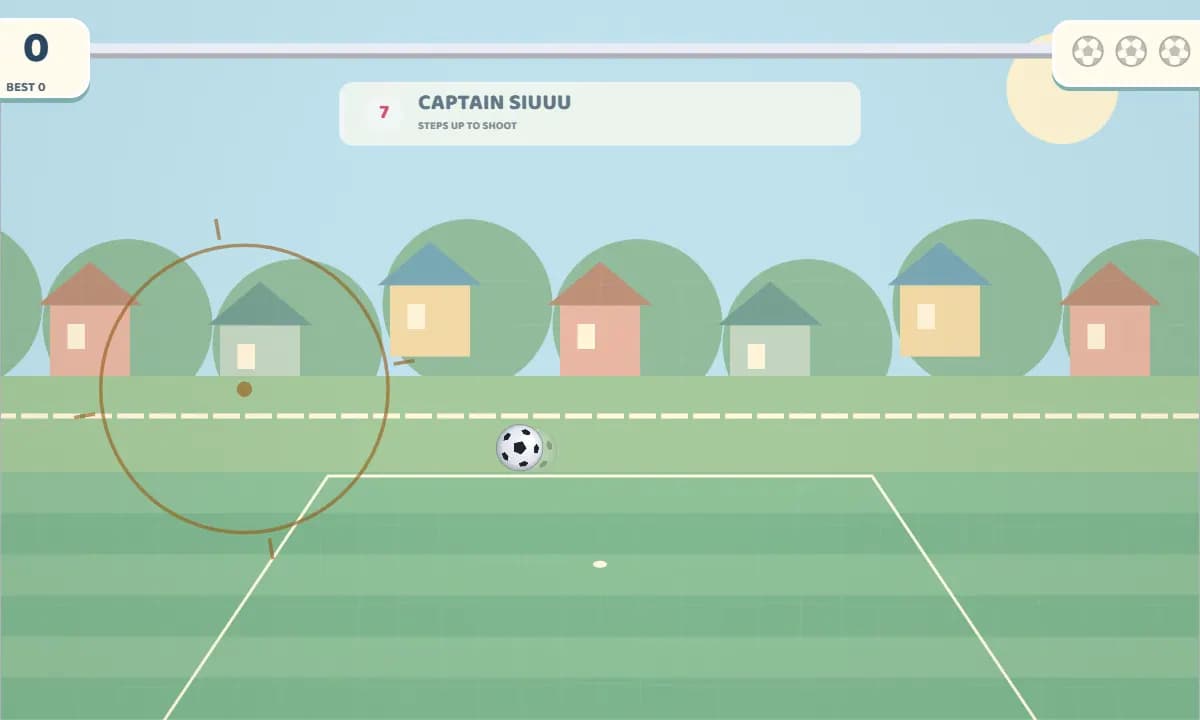 Cam KeeperStand in goal and block real shots with your hands while your webcam tracks every save.
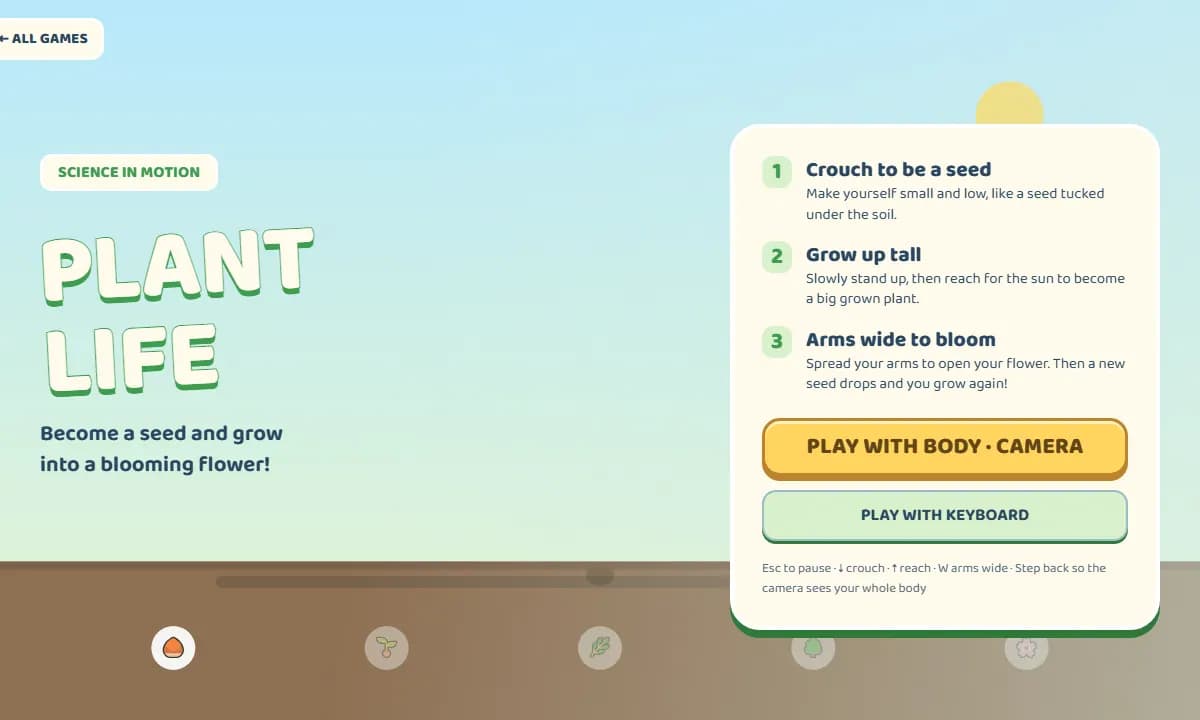 Plant Life CycleAct out a plant's life with your body: crouch, grow tall and open your arms.
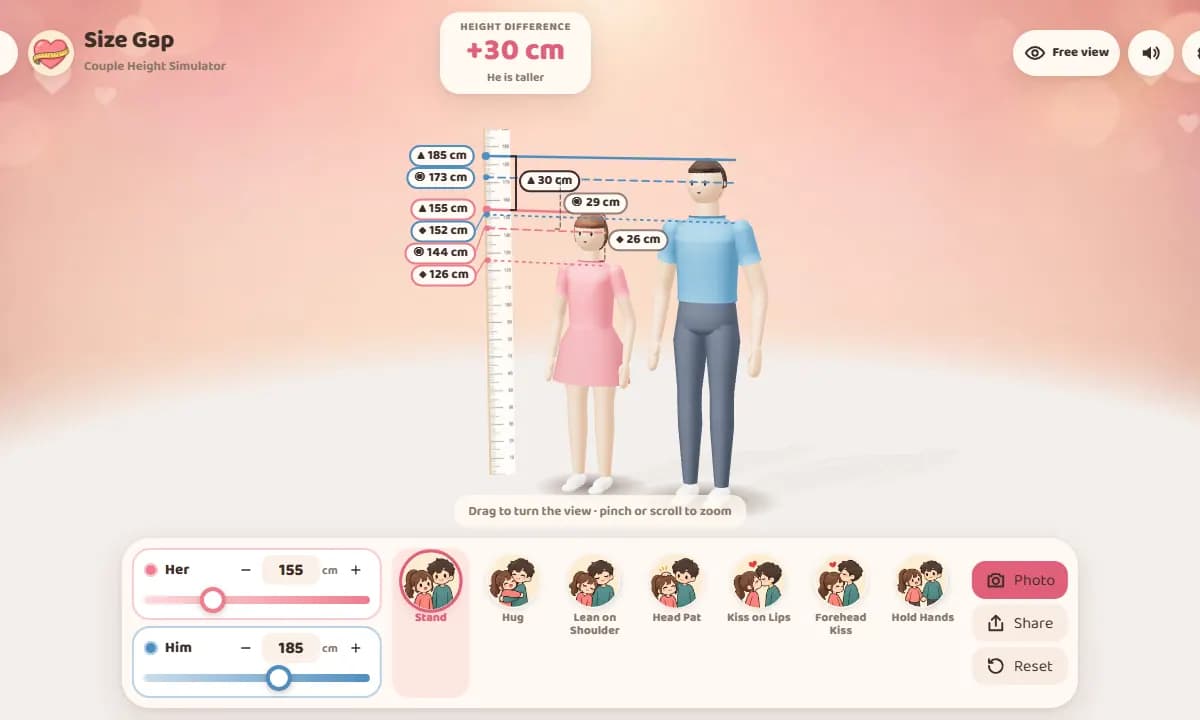 Size Gap: Couple Height SimulatorSet two heights and see how a couple really looks side by side in 3D.
 Math BrawlThrow real punches at the right answer, duck the boss swings and beat three cheeky bosses with maths.
 Brain ReachA hands-free quiz for up to three kids on one webcam: reach out and hold the right answer.