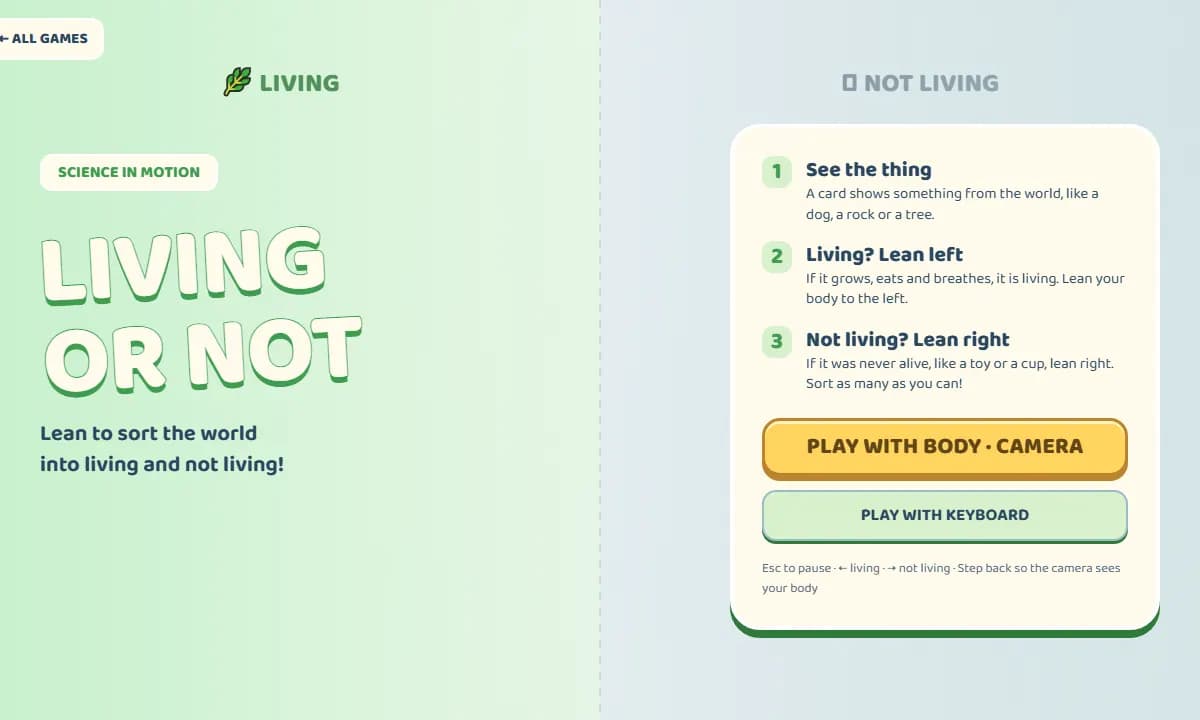
How to play Living or Not
- Goal Sort as many cards as you can into living and not living.
- Lean left If the thing is living, lean your body to the left.
- Lean right If it was never alive, lean to the right.
- Keyboard Without a camera, use the left arrow for living and the right arrow for not living. Esc pauses.
Living or Not screenshots
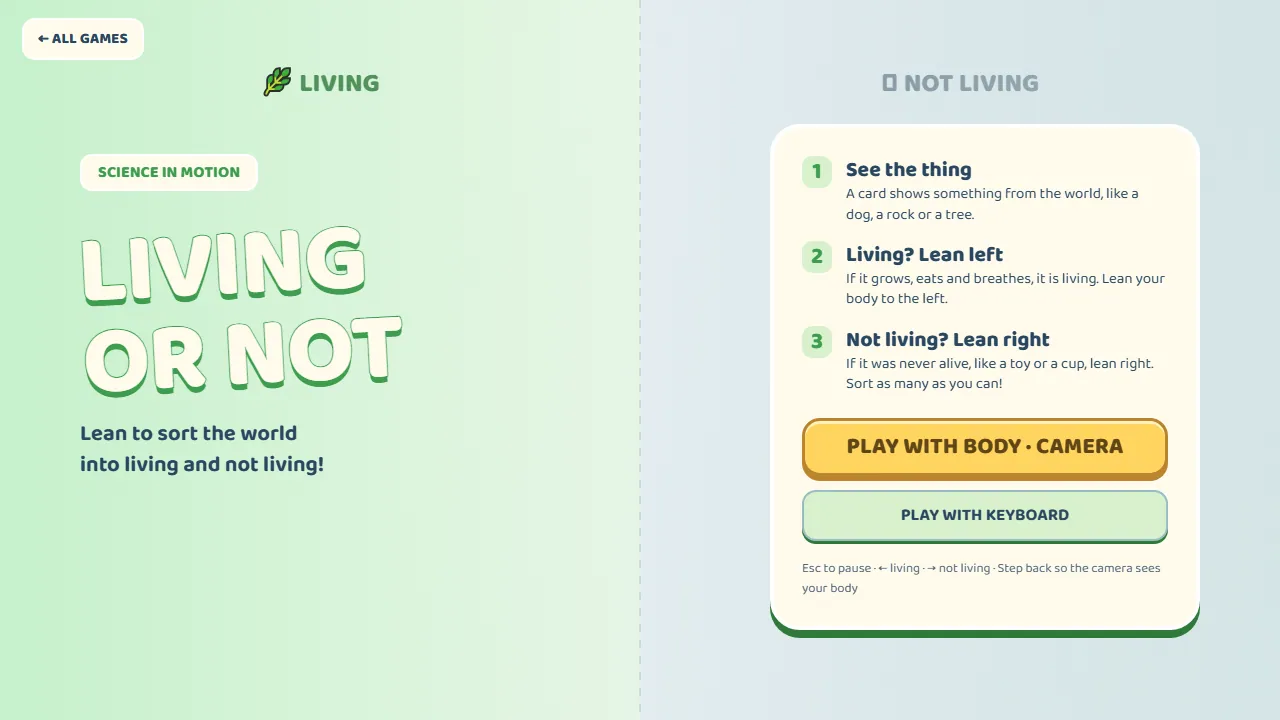
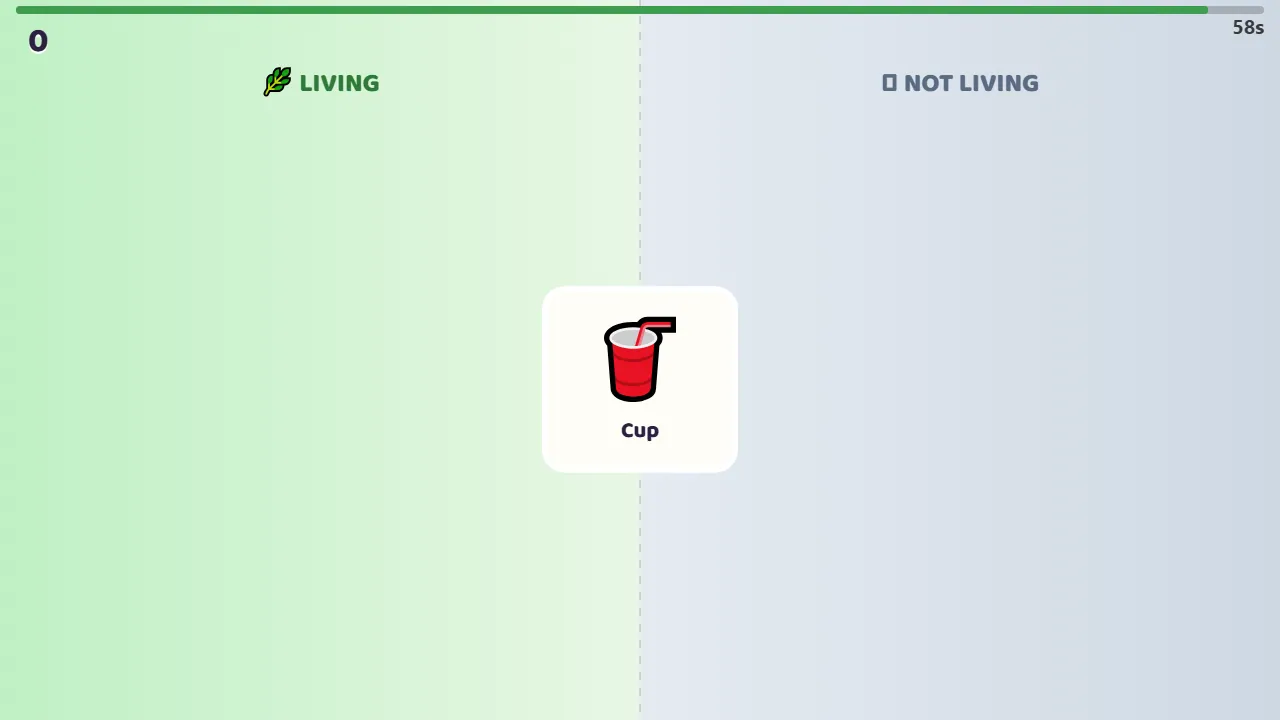
Living or Not features
- Play with your body The camera reads which way you lean, with no controller needed.
- Keyboard option A camera is optional; the arrow keys work too.
- Streaks and challenge Track correct and wrong answers, your best streak, and challenge a friend.
More games like Living or Not
- Math Brawl Math Brawl is a free webcam boss-battle maths game: every right answer is a punch tracked by your camera. Fight three bosses, duck their swings and master sums and times tables.
- Temple Dash Temple Dash is an endless runner you play with your body. Your webcam tracks you as you run in place, hop sideways, jump over logs and duck under bars to guide a bunny through a garden temple.
- Magic Wheel Magic Wheel is a webcam math game for kids: spin for an adding, subtracting, multiplying or dividing question, then hold up the right number of fingers.
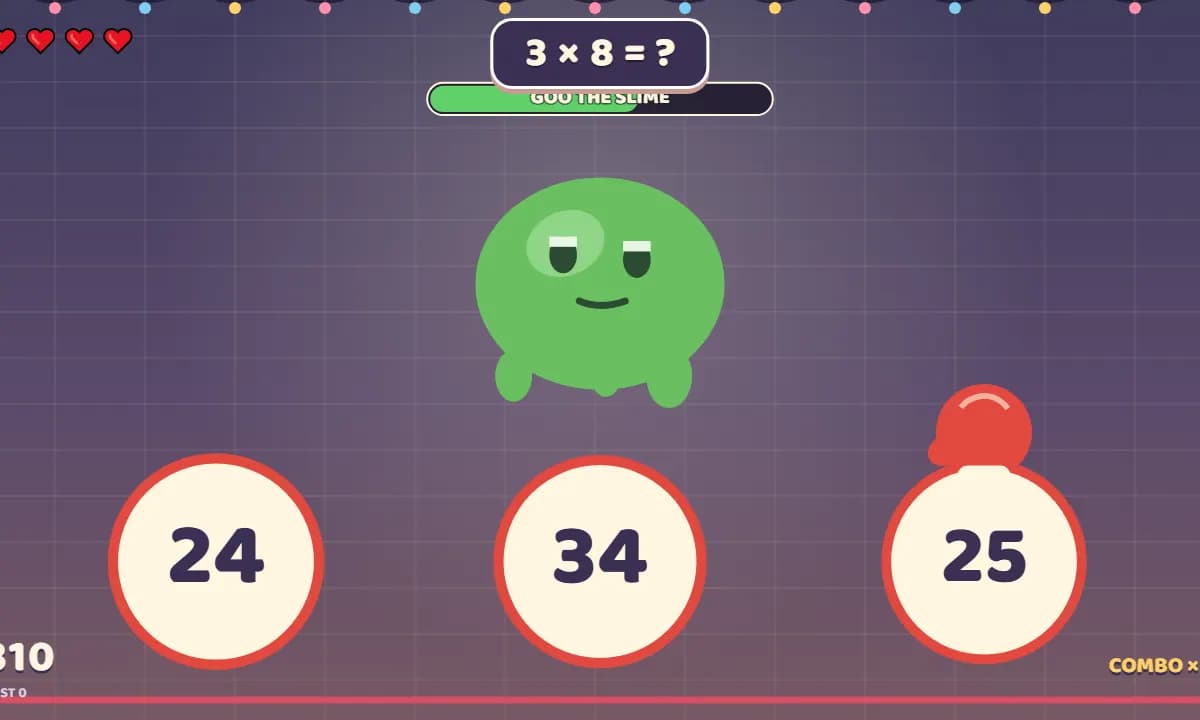 Math BrawlThrow real punches at the right answer, duck the boss swings and beat three cheeky bosses with maths.
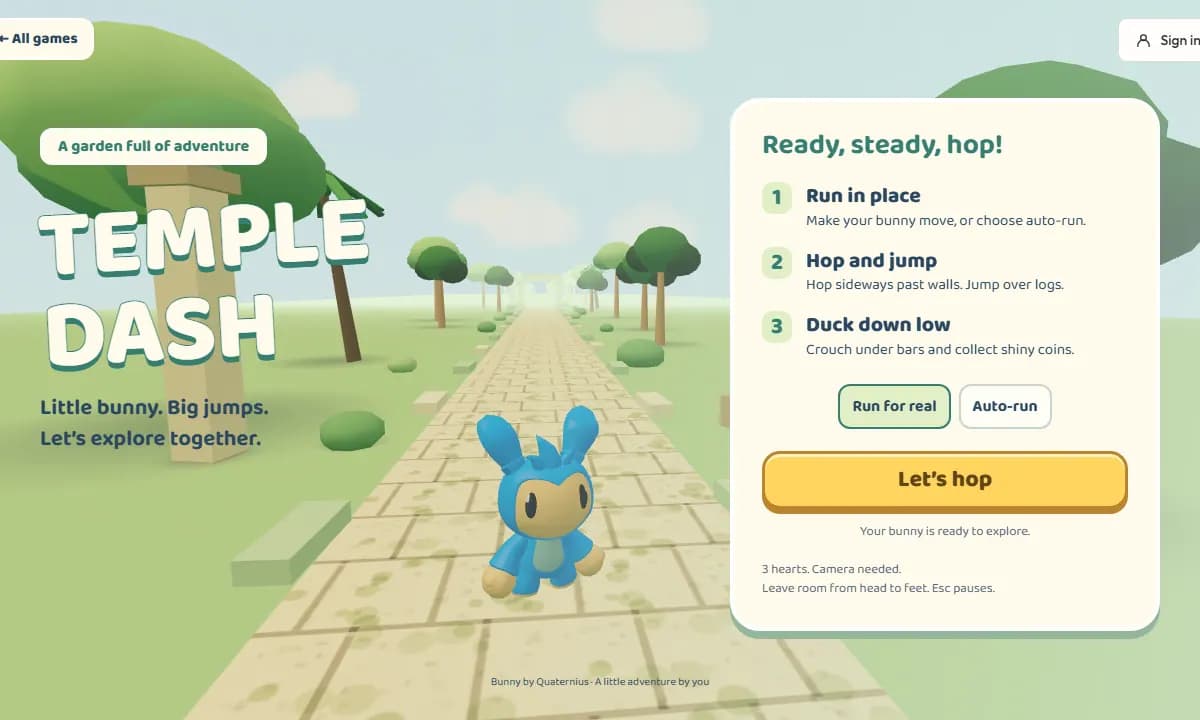 Temple DashSteer a little bunny through a garden temple with your own body, tracked by your webcam.
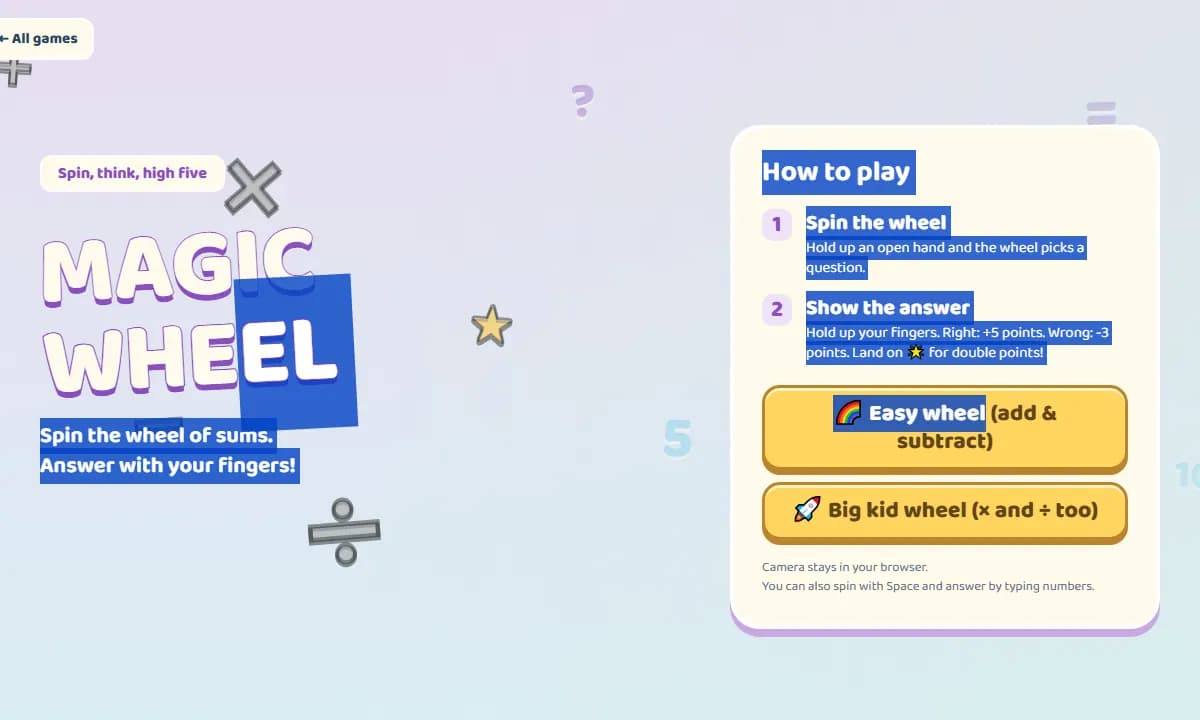 Magic WheelSpin the wheel of sums and answer with the number of fingers you show the camera.
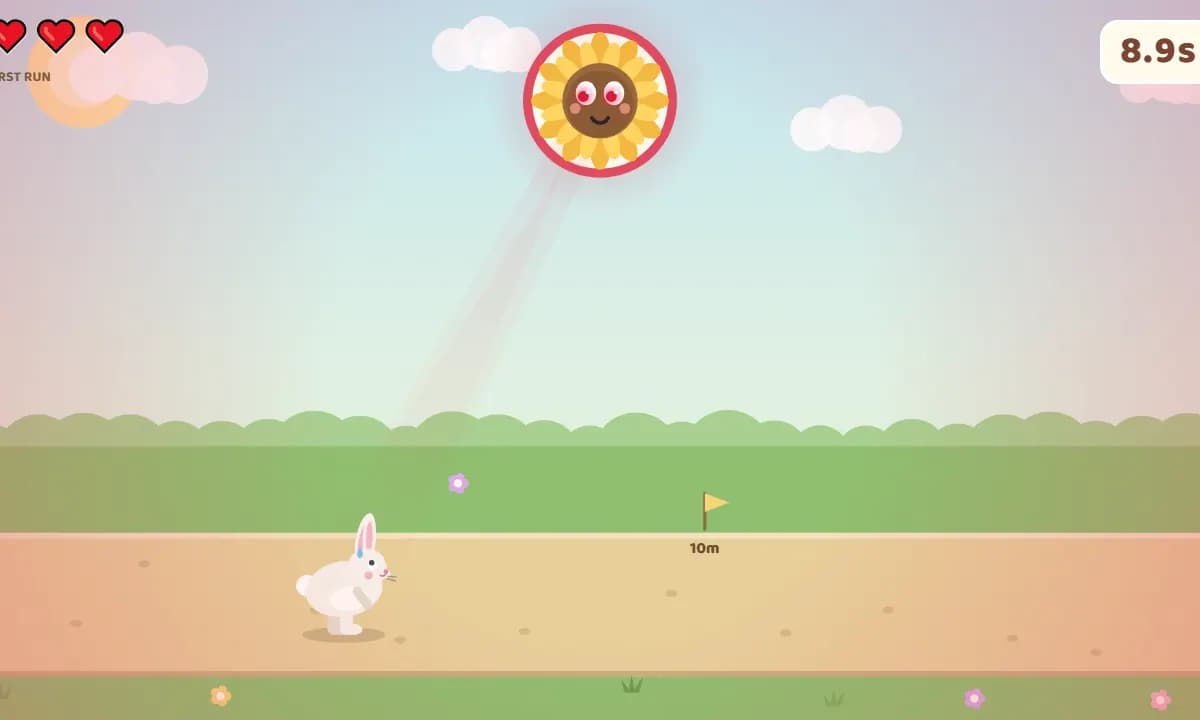 Red Light Green LightA webcam freeze game: jog in place, then turn to stone when Sunny looks.
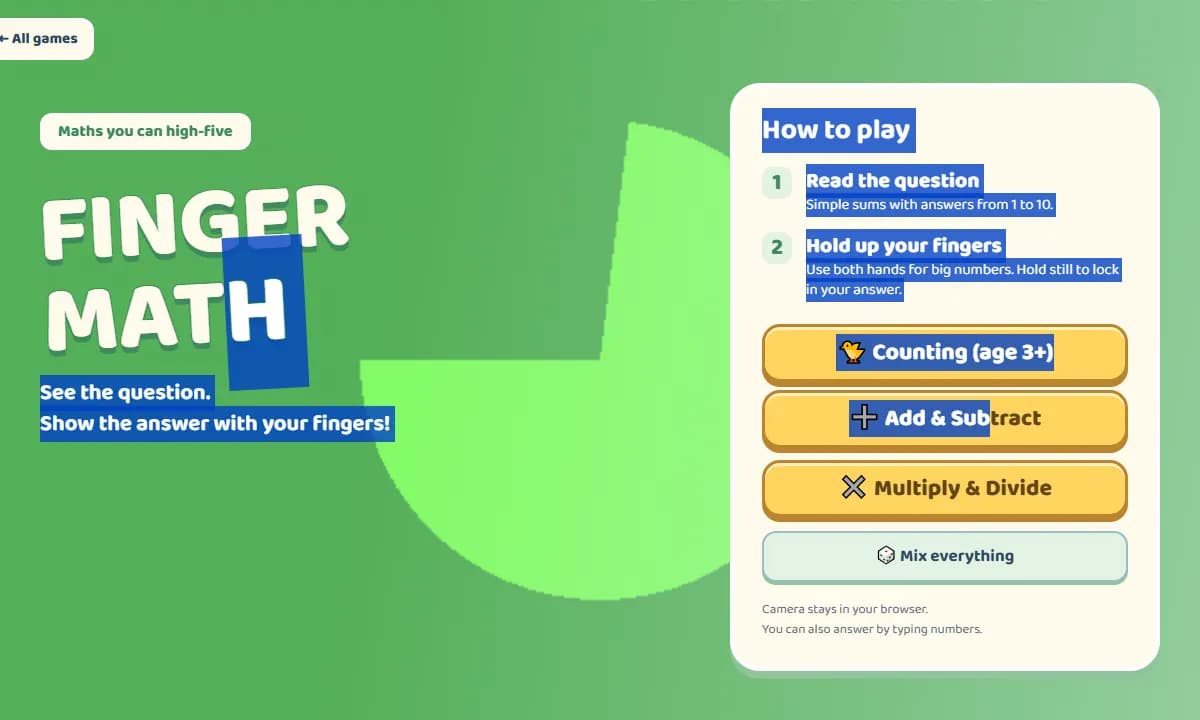 Finger MathAnswer kids' maths questions by holding up the right number of fingers to your webcam.
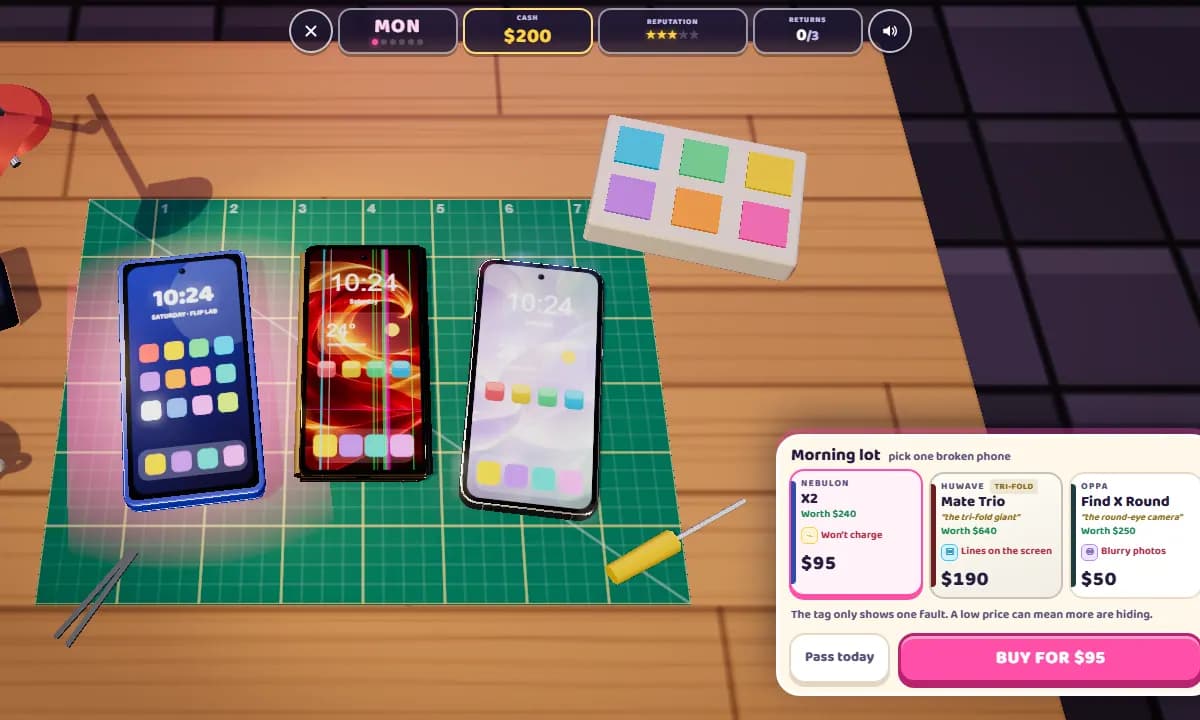 Phone Flip LabBuy a broken phone, find every fault, swap in the right parts and sell it to a customer it suits.
 Breathing BubbleBreathe in as the bubble grows, breathe out as it shrinks, and collect calm stars.
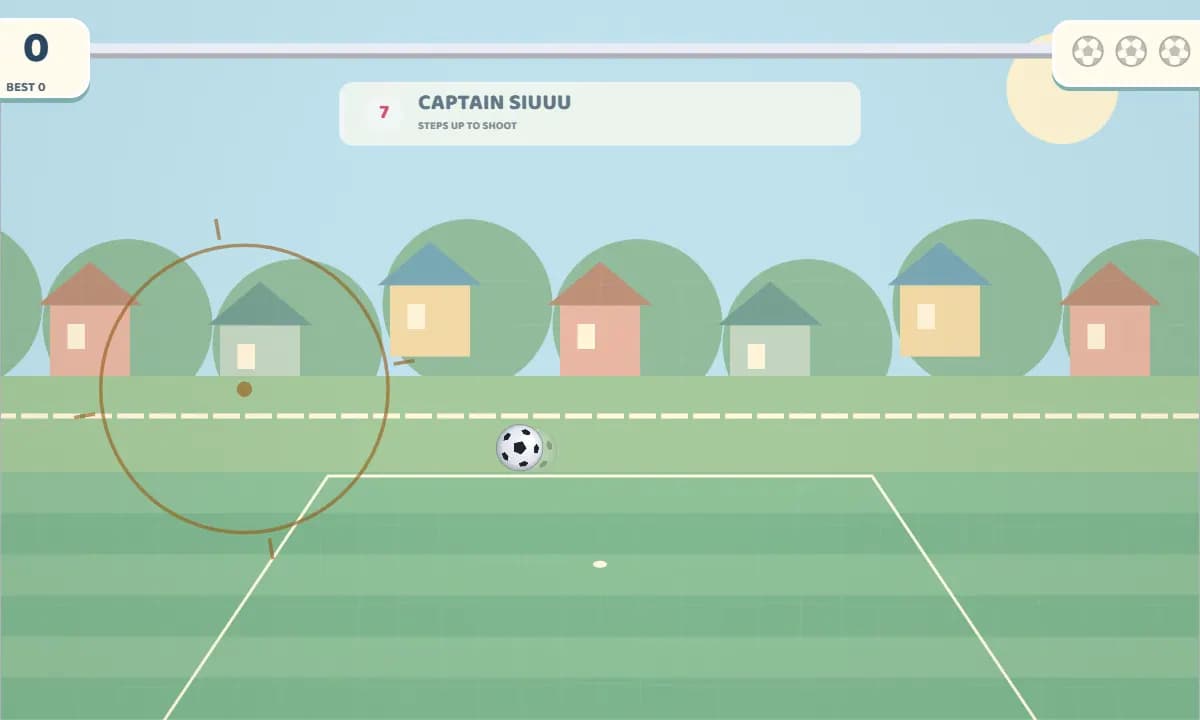 Cam KeeperStand in goal and block real shots with your hands while your webcam tracks every save.