How to play Pin Storm
- Goal Knock down as many of the 10,000 pins as possible in two throws, or all of them in one.
- Aim Drag across the lane, use the on-screen arrows or press the left and right arrow keys.
- Throw Press the Throw button, or Space or Enter on a keyboard.
- Tip Small aim changes matter over a long lane, so nudge gently before each throw.
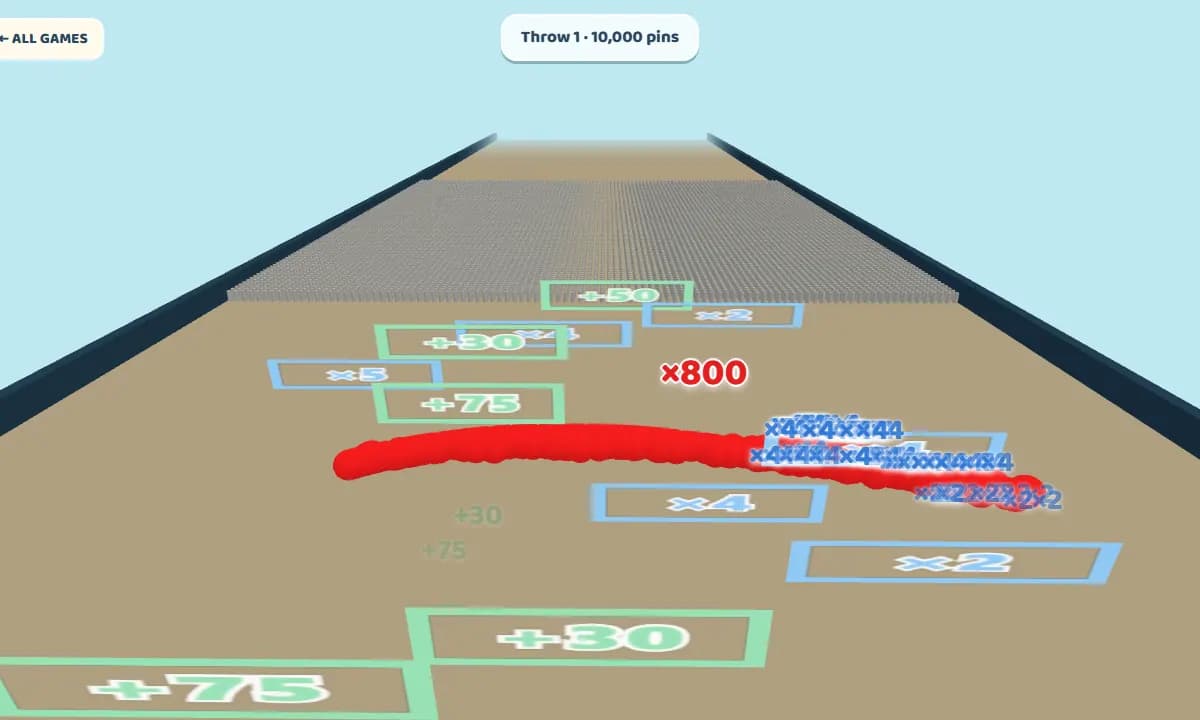
Pin Storm screenshots
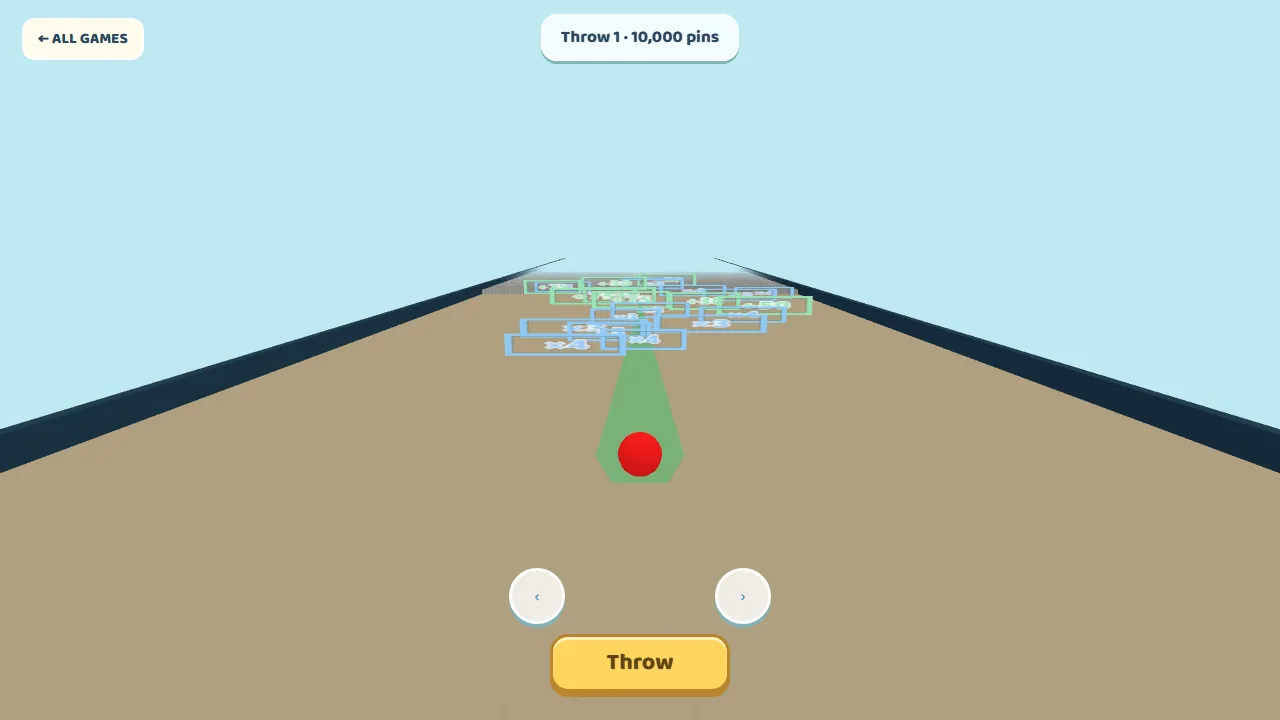
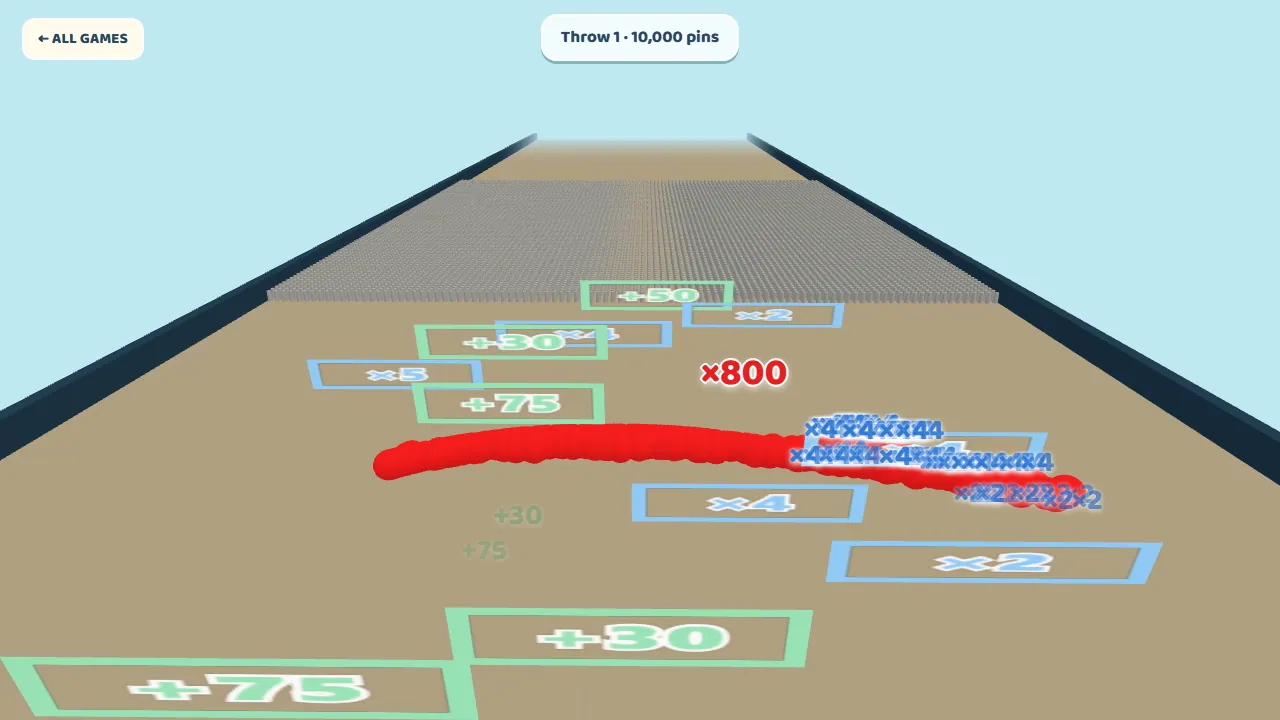
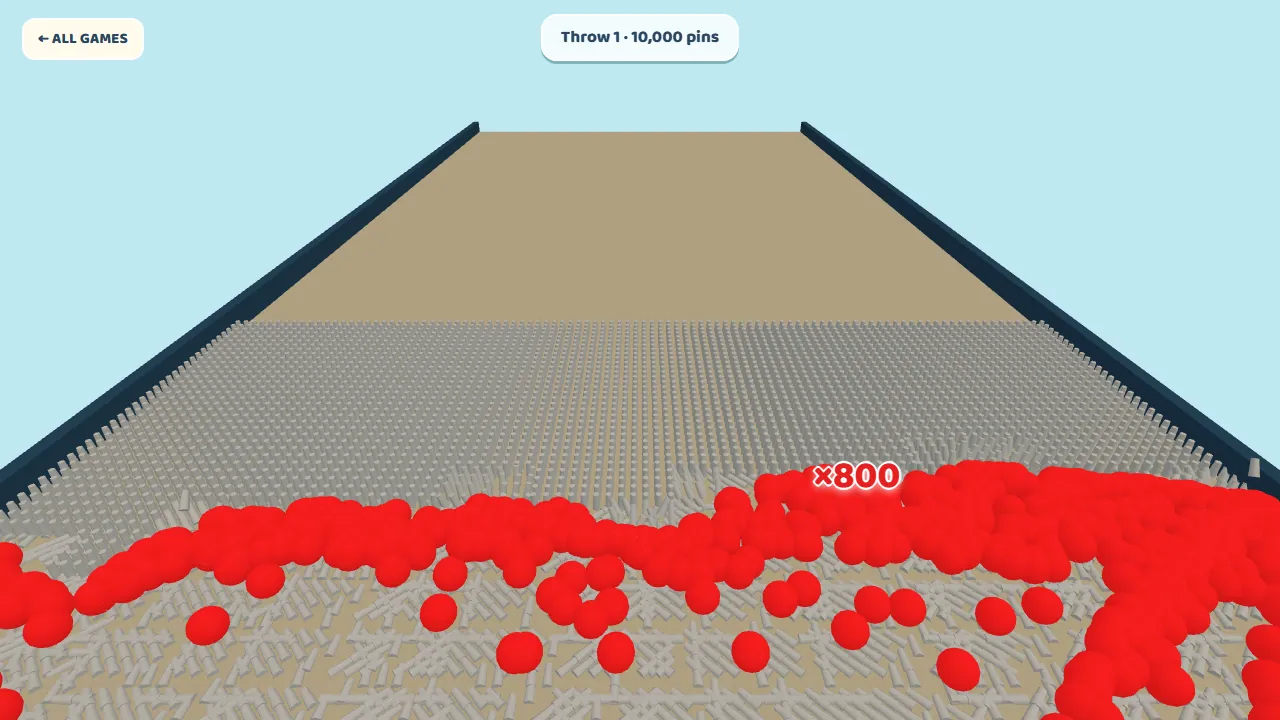
Pin Storm features
- Two throws A first throw and a second throw at the pins left standing, like a real frame.
- Ball multiplying gates Gates on the lane multiply your ball so more pins can fall.
- Rank and share A rank and total after each game, with a share button.
More games like Pin Storm
- LINGFU: Talisman Drawing Game LINGFU is a 40-second drawing game: you run a tiny shrine, read each visitor's wish and trace the matching talisman. Accurate strokes earn coins, sloppy ones send the visitor away.
- Crazy Eights Crazy Eights is the classic shedding card game on a 3D game-night table: match the top card by suit or rank and be the first to play every card.
- Hearts Table Hearts Table is the classic card game at a 3D felt table. Pass three cards, follow suit, dodge hearts and the queen of spades, or take them all and shoot the moon. Play bots on Easy to Hard or friends online.
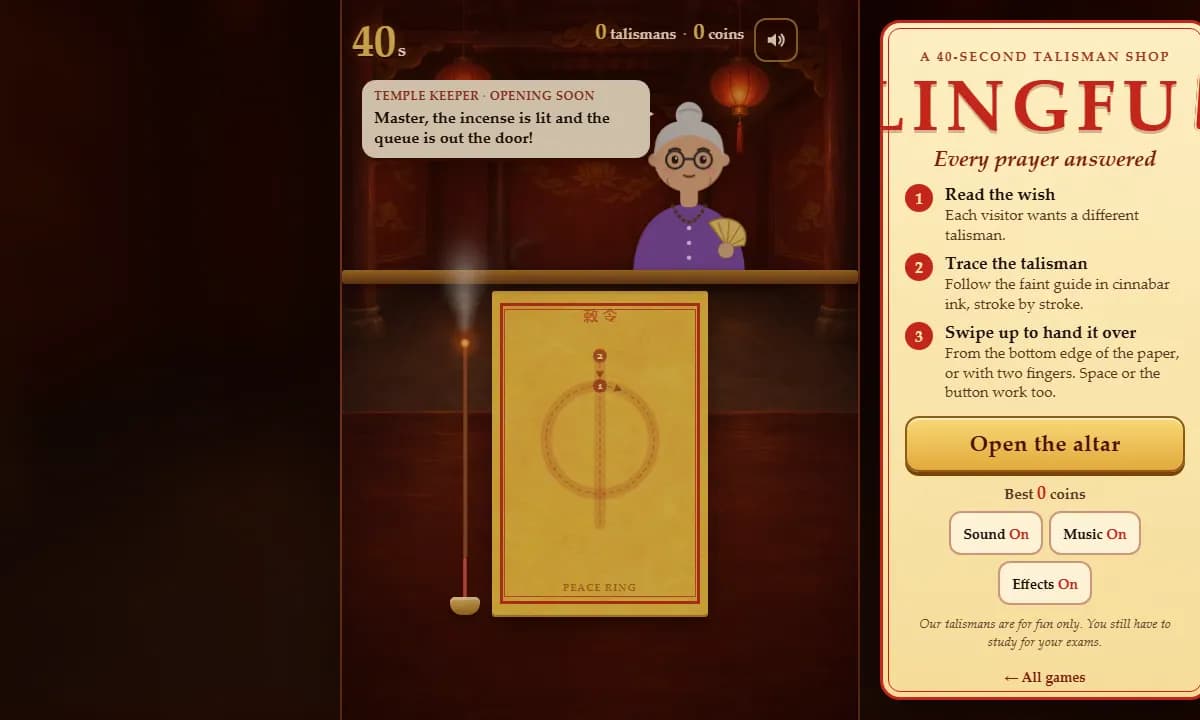 LINGFU: Talisman Drawing GameRead each visitor's wish, trace the talisman in ink and swipe it over in a 40-second shift.
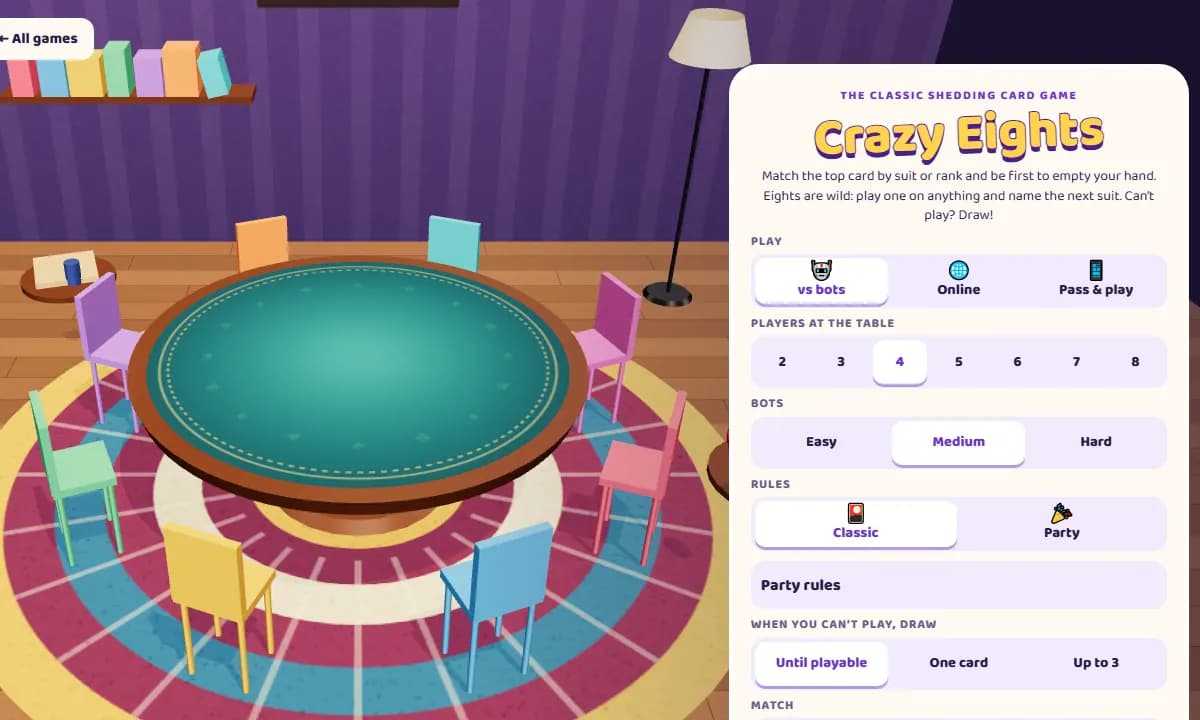 Crazy EightsMatch suit or rank, play wild eights and be first to empty your hand at a 3D table.
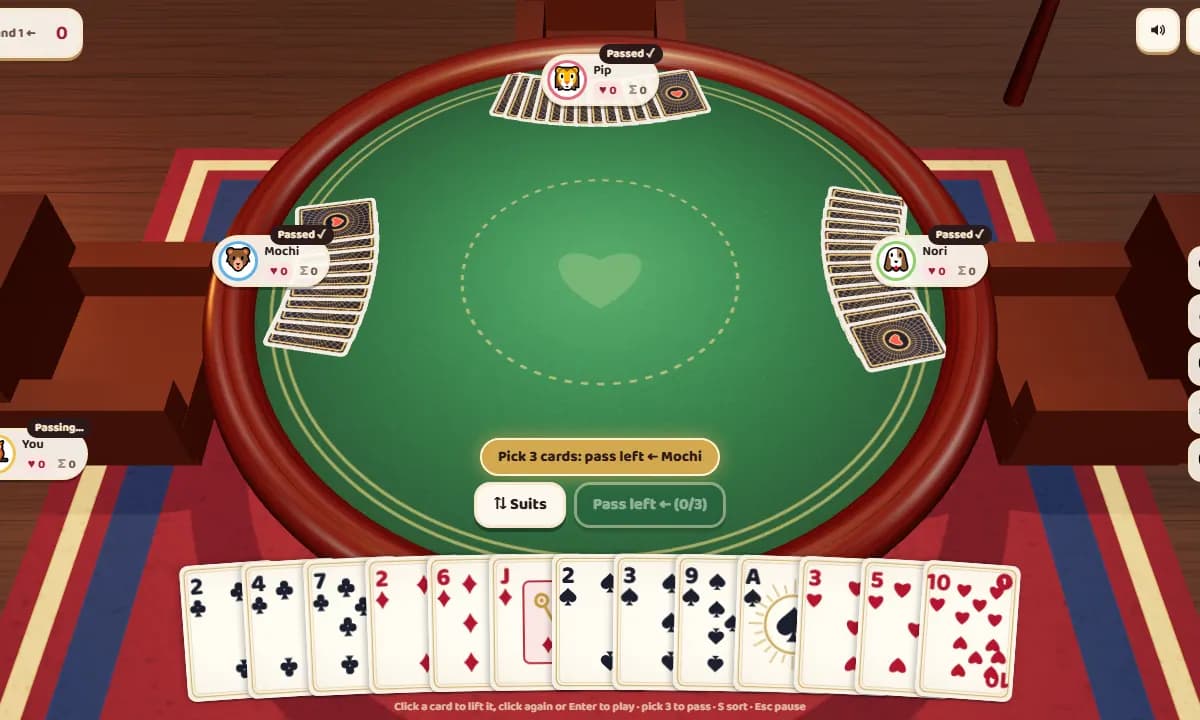 Hearts TablePass three cards, follow suit and dodge every heart at a cosy 3D felt table.
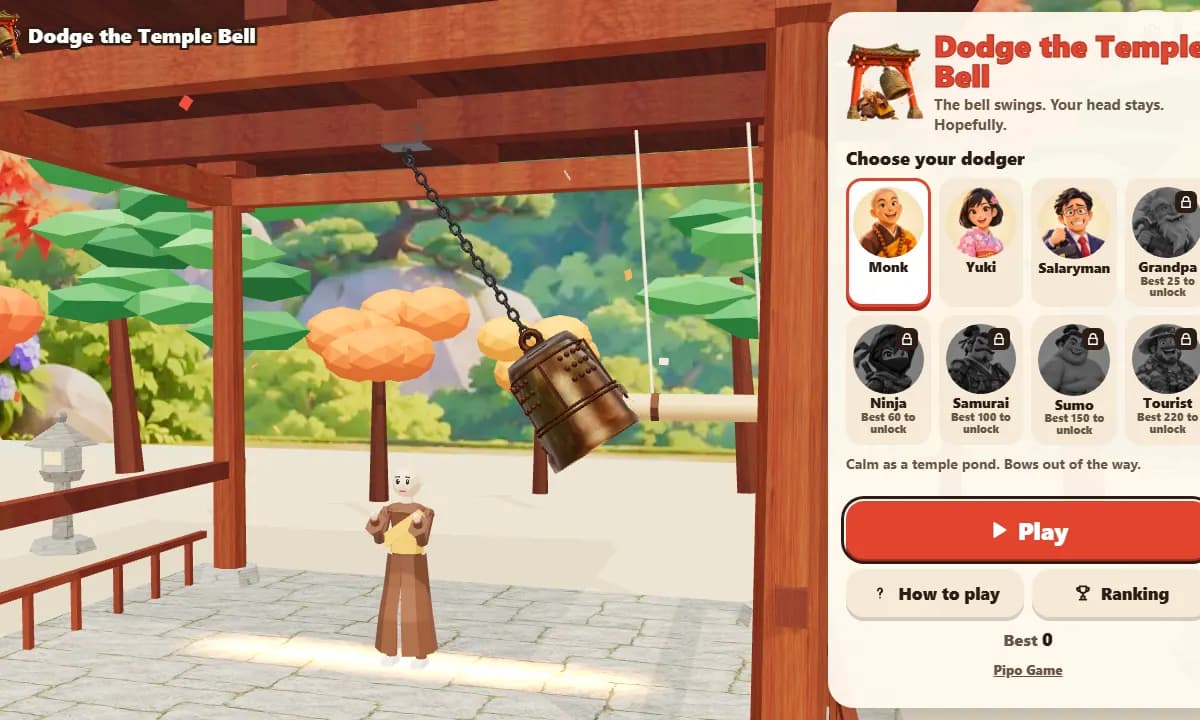 Dodge the Temple BellSwipe to duck, lean and twist away from a huge bronze temple bell before it bonks you.
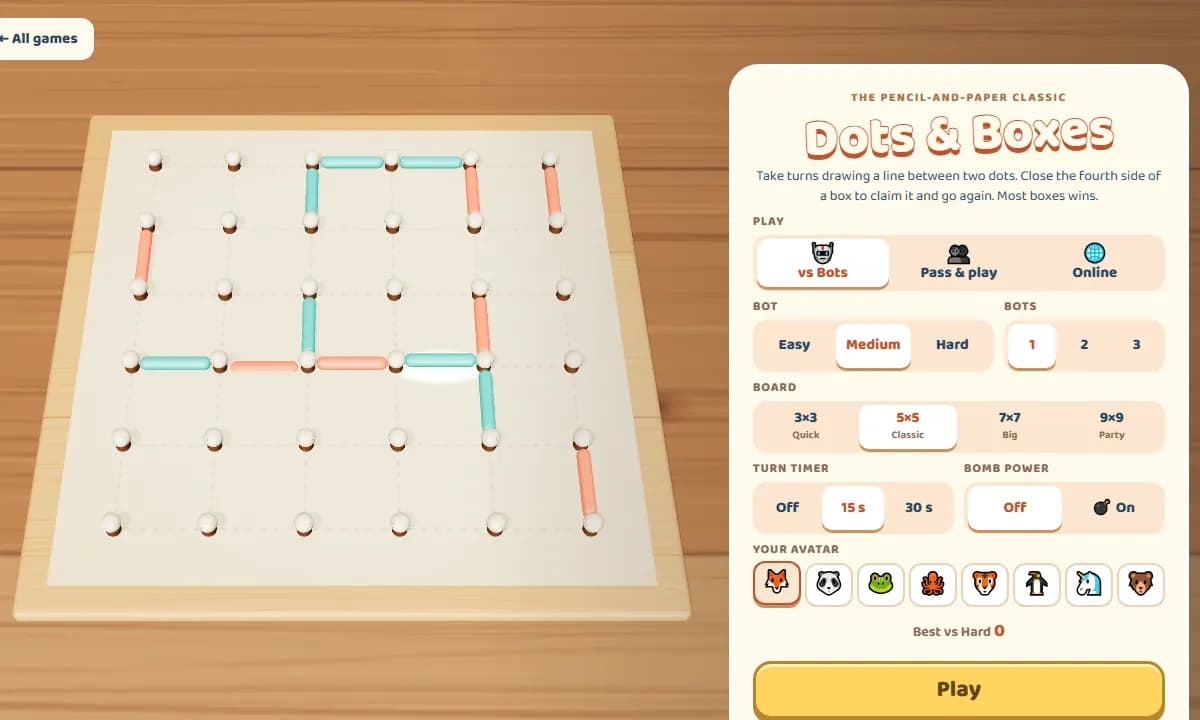 Dots & BoxesDraw lines between dots, close boxes to claim them and outsmart bots or friends on a 3D tabletop.
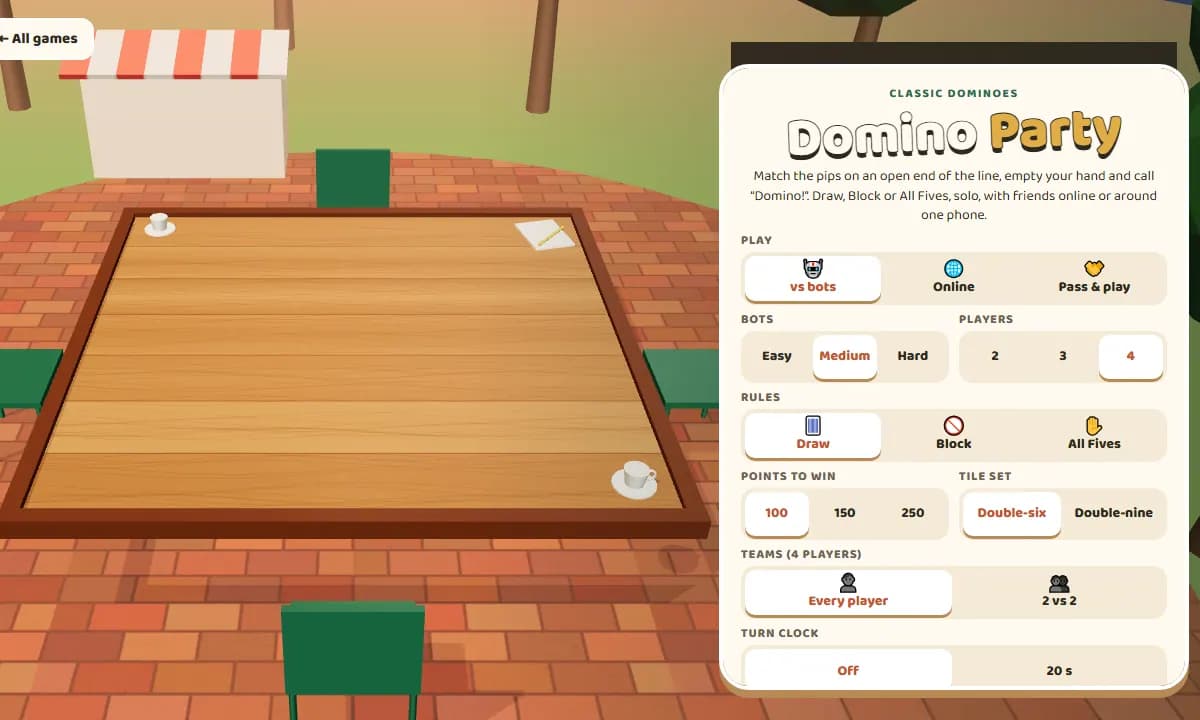 Domino PartyClassic dominoes for two to four players, against bots, online friends or on one shared device.
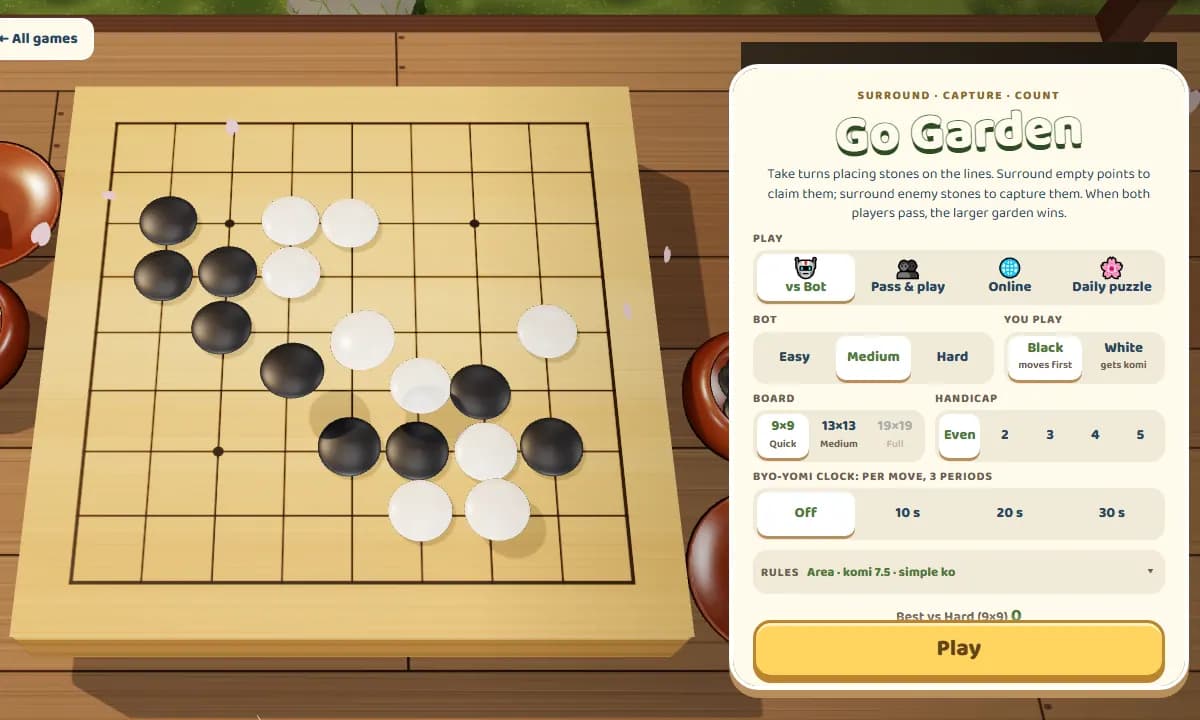 Go GardenPlay Go on a 3D wooden board in a calm garden, against bots or people, with daily life-and-death puzzles.
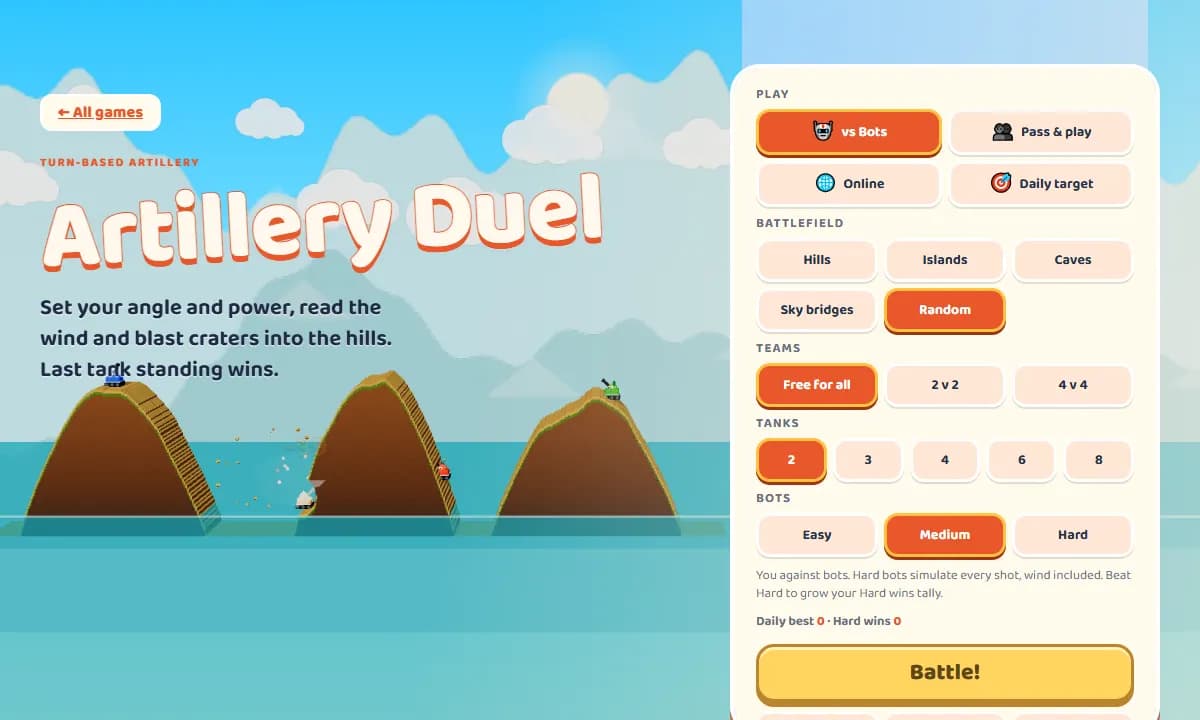 Artillery DuelSet your angle and power, read the wind and blast craters in a turn-based tank battle.